Healthcare and social care
IT monitoring for healthcare and social care settings
An emergency department, care homes, a laboratory, computers shared by several clinicians, and clinical software running day and night. Healthcare providers are among the targets ransomware goes after most, and every outage delays someone's care. FirstSI monitors availability, access and the signs of an attack, and alerts your team at the first signal.
Open-access demo, no sign-up: 138 fictional machines and all twelve modules.
PATIENT RECORDS application and database available
LOGONS an agency nurse's account used at 3:12 am, outside their hours
PERMISSIONS Human Resources folder open to all users
BACKUPS laboratory database backed up at 2 am
SIEM reception computer in contact with a malicious domain
Your constraints, and what FirstSI changes
Applications that run day and night
Service availability, response times, databases and backups: you see an application slowing down before a ward calls you.
Who opens which files
File access and logons are traced with the account, the computer and the time, and logons outside usual hours are flagged. FirstSI does not read the content of files.
The signs of ransomware
Mass renaming, contact with a malicious domain, password attempts on the VPN: the signals come together in a single incident, with its timeline.
Agency staff, trainees, locums
Accounts of people who have left often stay active. FirstSI lists them, flags additions to sensitive groups and prepares the access review.
NIS2 and the evidence to provide
Healthcare is one of the sectors covered by NIS2, and the size of the organisation counts too. Detection, logging, access reviews: FirstSI provides the records, ready to export.
The data stays in-house
FirstSI installs on your infrastructure, the AI assistant runs on a model installed on your premises, and you set the retention period.
In the console
Screens from the live demo, with the data of a fictional company.
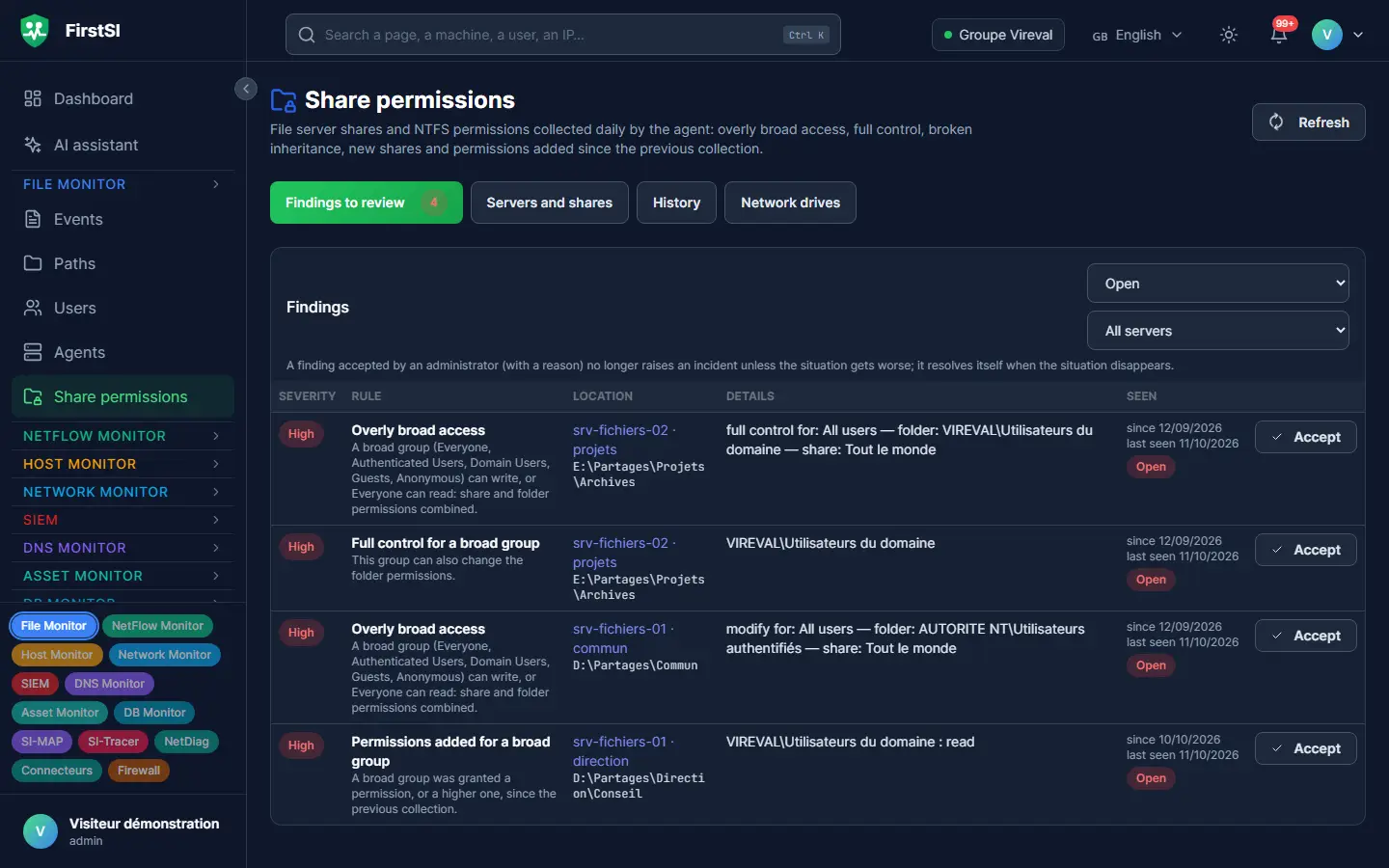
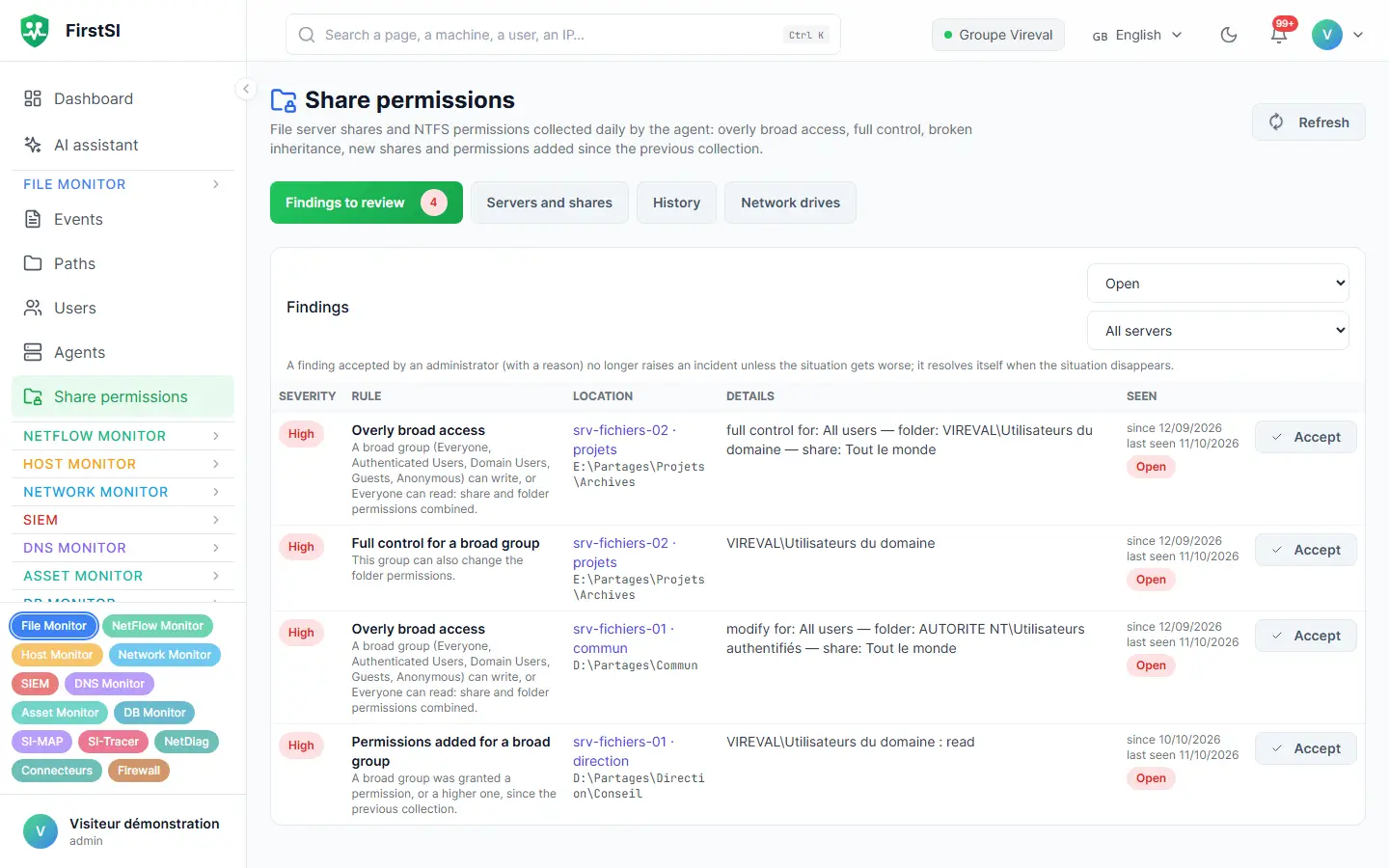
One night, 3:12 am
An agency nurse's account, used in the middle of the night
An agency nurse finished his assignment the week before, and his account was never disabled. At 3:12 am, someone logs on with that account at a reception computer, then browses the shared human resources folder.
FirstSI picks up two anomalies: a logon outside this account's usual hours, and access to a folder it had never opened before. The SIEM turns them into a single incident, sent to the IT manager on call.
The account is disabled at 3:30 am. The next day, the access review brings to light six other accounts of locums who have left and are still active, all disabled during the morning.
03:12 LOGON an agency nurse's account, outside usual hours
03:15 FILES first access to the Human Resources folder
03:16 INCIDENT unusual access, on-call manager notified
03:30 RESOLVED account disabled
How it works
Critical applications first
The servers and databases behind the clinical software, the laboratory and email get the agent first.
Then the sites and departments
Care homes, centres and local offices join the console, each with its own network.
Alerts to the on-call team
Email or webhook to the on-call team's tool, with maintenance windows for planned work.
Frequently asked questions
Does FirstSI read health data?
No. It traces access (who, when, from which computer), flows and the state of the machines, without reading the content of files. For databases, it records performance and background jobs. It installs on your infrastructure.
Is my organisation subject to NIS2?
Healthcare is one of the sectors covered, though whether you are subject to it also depends on your size and activity; your national cybersecurity authority publishes the criteria. If you are in scope, FirstSI helps you provide the expected records.
My computers are shared by several clinicians: is that a problem?
No. Each access is tied to the account used and to the computer. You can find out who was logged on to a given computer at a given time.
Can I monitor several facilities in the same group?
Yes. Each facility can have its own separate space in the same console, with its own rules and retention period.
More questions about installation, hosting, GDPR or integrations? All frequently asked questions
Take it further
The same data serves more than one purpose. These pages show it from other angles.
Active Directory security
Sensitive groups, posture, forgotten accounts.
Learn more Files and sharesFiles and shares
Who opened what, and who is allowed to.
Learn more SIEMSIEM and incident detection
Correlated incidents, with their timeline.
Learn moreIn the documentation
Your organisation never sleeps, and neither does your monitoring
The guided demonstration shows a complete incident, from the unusual logon to the access review, on a fictional estate.