AI assistant
An AI assistant hosted on your premises, and tickets already checked
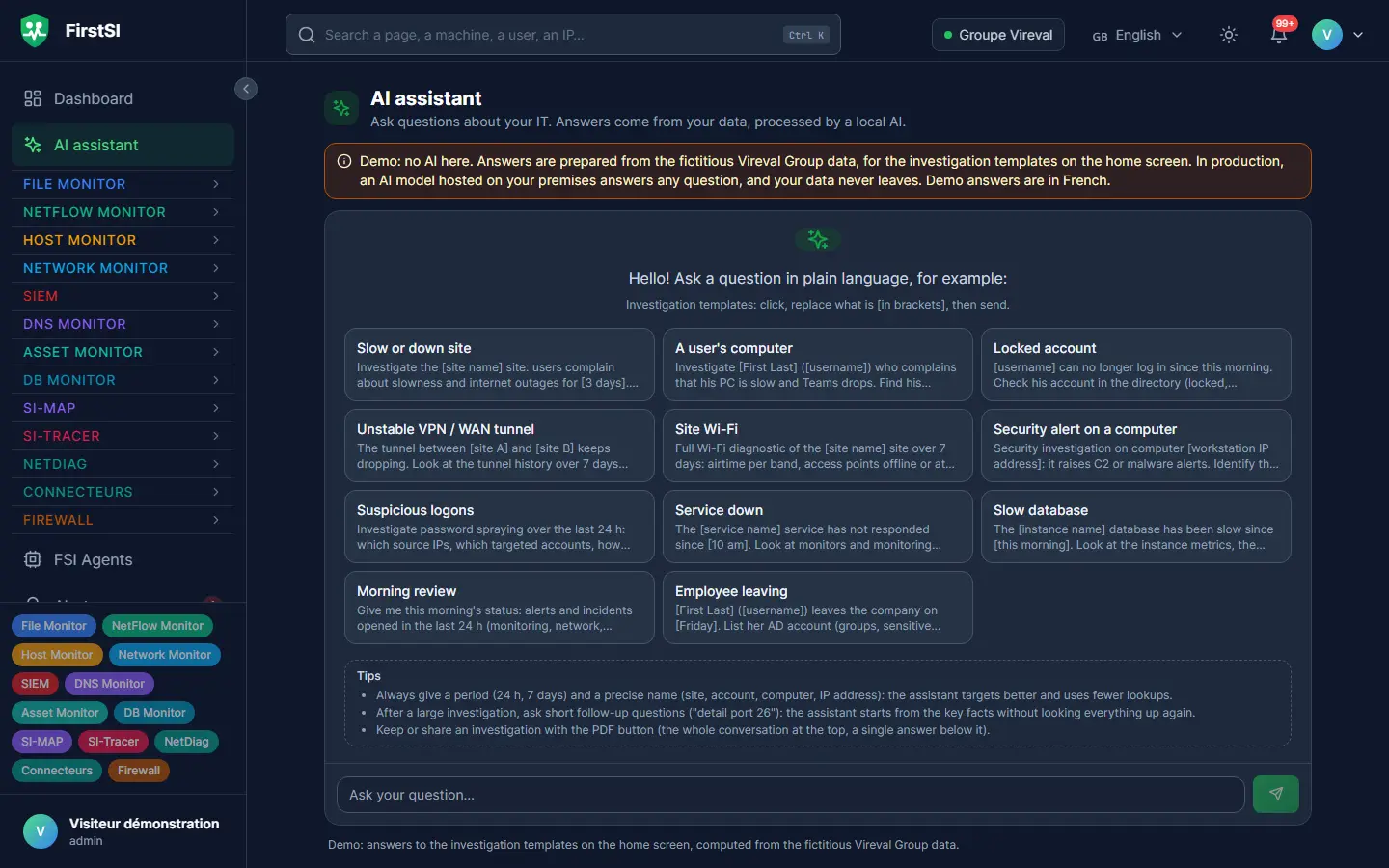
“The branch has been slow since this morning.” You ask the question as you would ask a colleague, and the assistant does the rounds: Internet links, tunnels, Wi-Fi, computers, security alerts, open tickets. It comes back with the most likely cause and the evidence for it. The same engine reads every new ticket before the technician does and leaves an internal note with the lead to follow.
Open-access demo, no sign-up: 138 fictional machines and all twelve modules.
ticket “I can't access the Marketing folder any more” (Lucas)
PERMISSIONS Marketing group removed from the folder yesterday at 4:20 pm
AUTHOR an administrator, during the reorganisation of the shares
ACCOUNT active, not locked
internal note lead: restore the group or confirm with the manager. Status and assignment unchanged.
AI that works on your data, on your premises
Dozens of checks per question
The assistant queries all twelve modules itself, from the Internet link down to the switch port, cross-checks the results and cites its sources. When it does not know something, it says so.
The model stays in your infrastructure
The AI model, whichever one you choose, runs on your premises. Your logs, account names and tickets never go to an AI provider. You can also plug in your own gateway.
The ticket arrives already checked
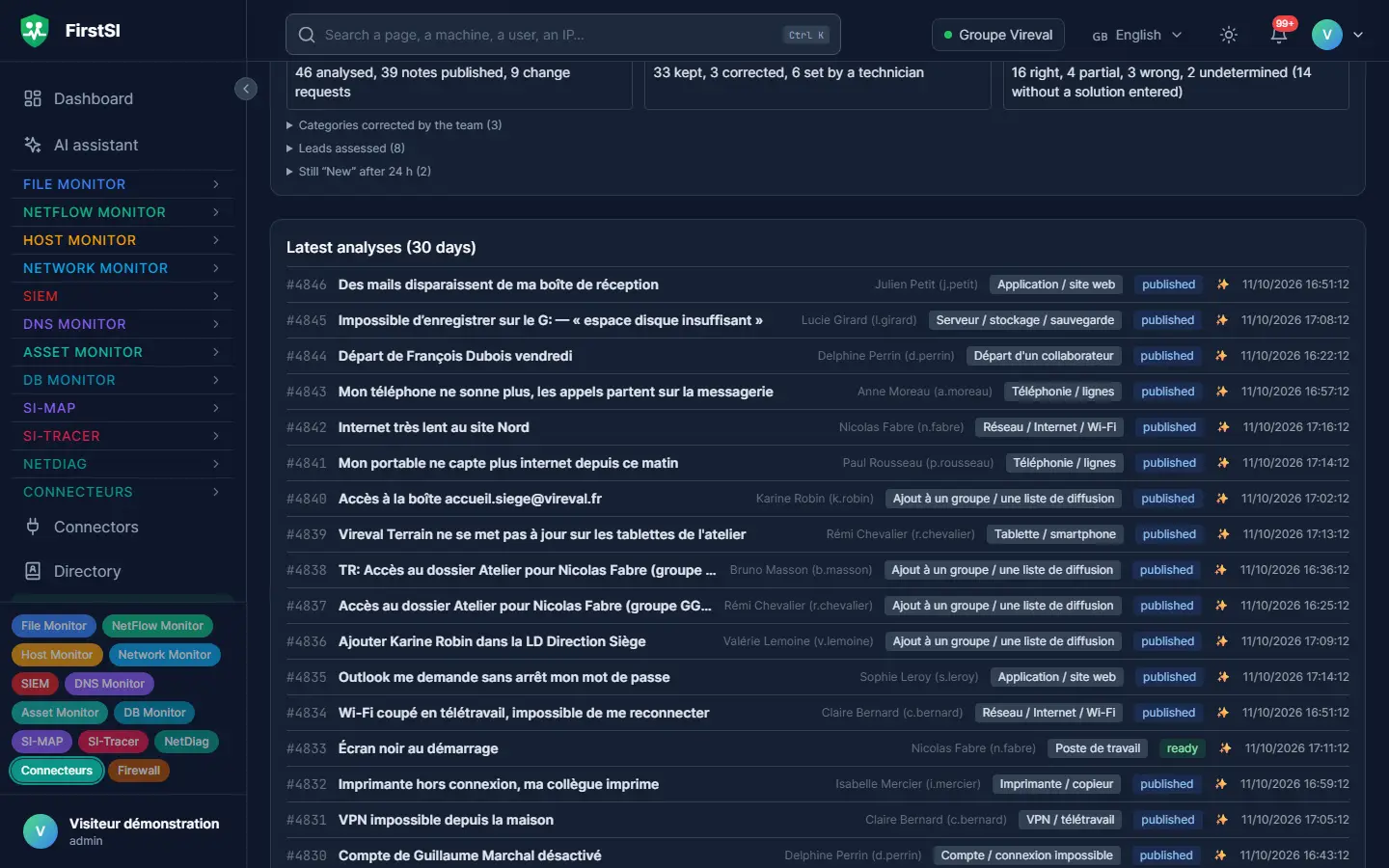
As soon as a ticket is created, FirstSI runs the checks a technician would make first: account, computer, VPN, Microsoft 365, printing, network, alerts. An internal note sums up the lead and suggests a category.
Requests too
Access to a mailing list or a shared folder, an employee leaving: FirstSI prepares the change, with the approval to obtain and the tool in which to make it.
It knows how you work
Your guidelines (vocabulary, sites, known leads, writing instructions) steer the assistant and ticket pre-diagnostics. Each new version is compared with the previous one before it is adopted.
You stay in charge
The note is internal, invisible to the requester, and changes neither the status nor the assignment of the ticket. You also get a draft mode, your own classification rules, an automatic stop at the slightest discrepancy and a review every week.
In the console
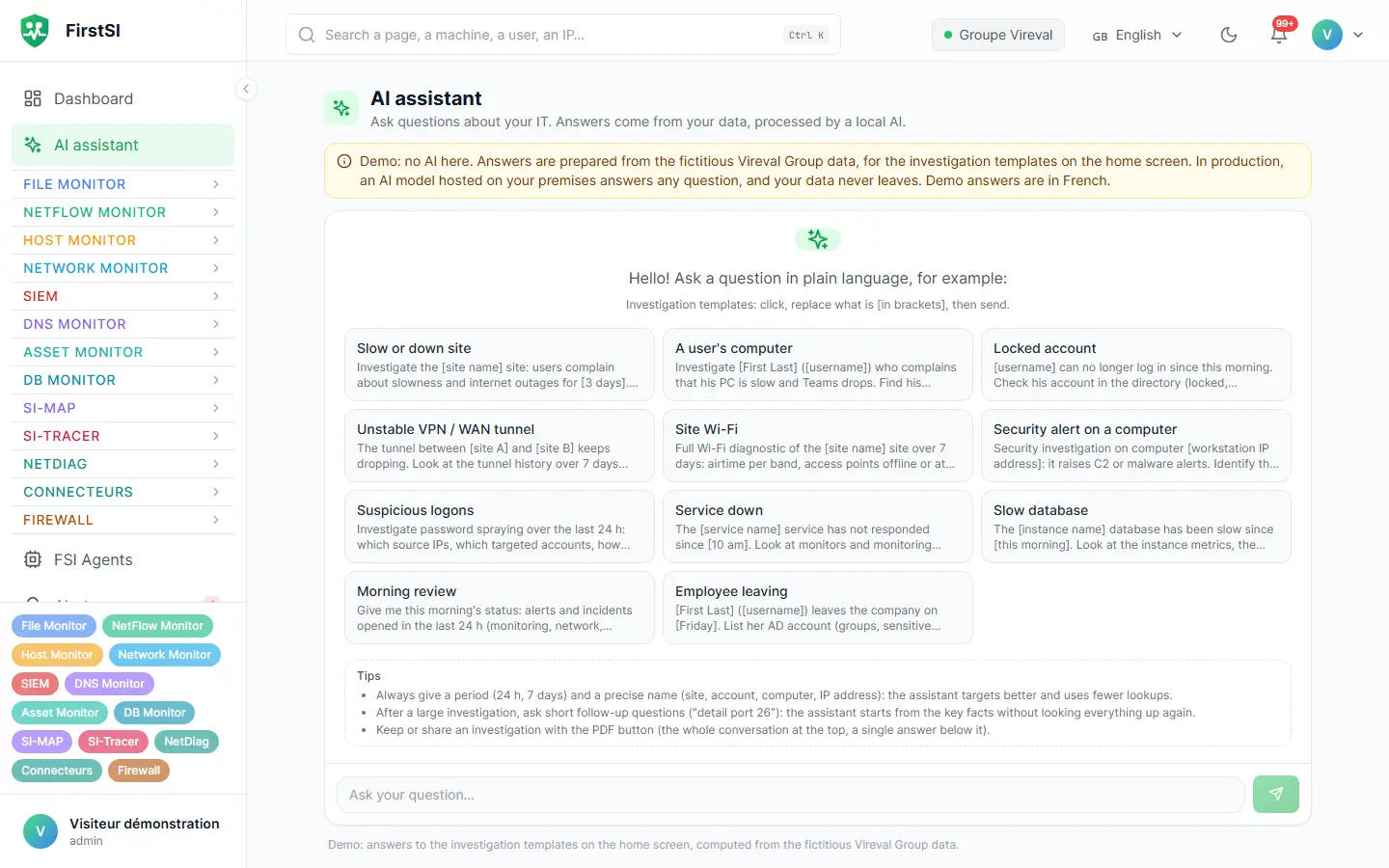
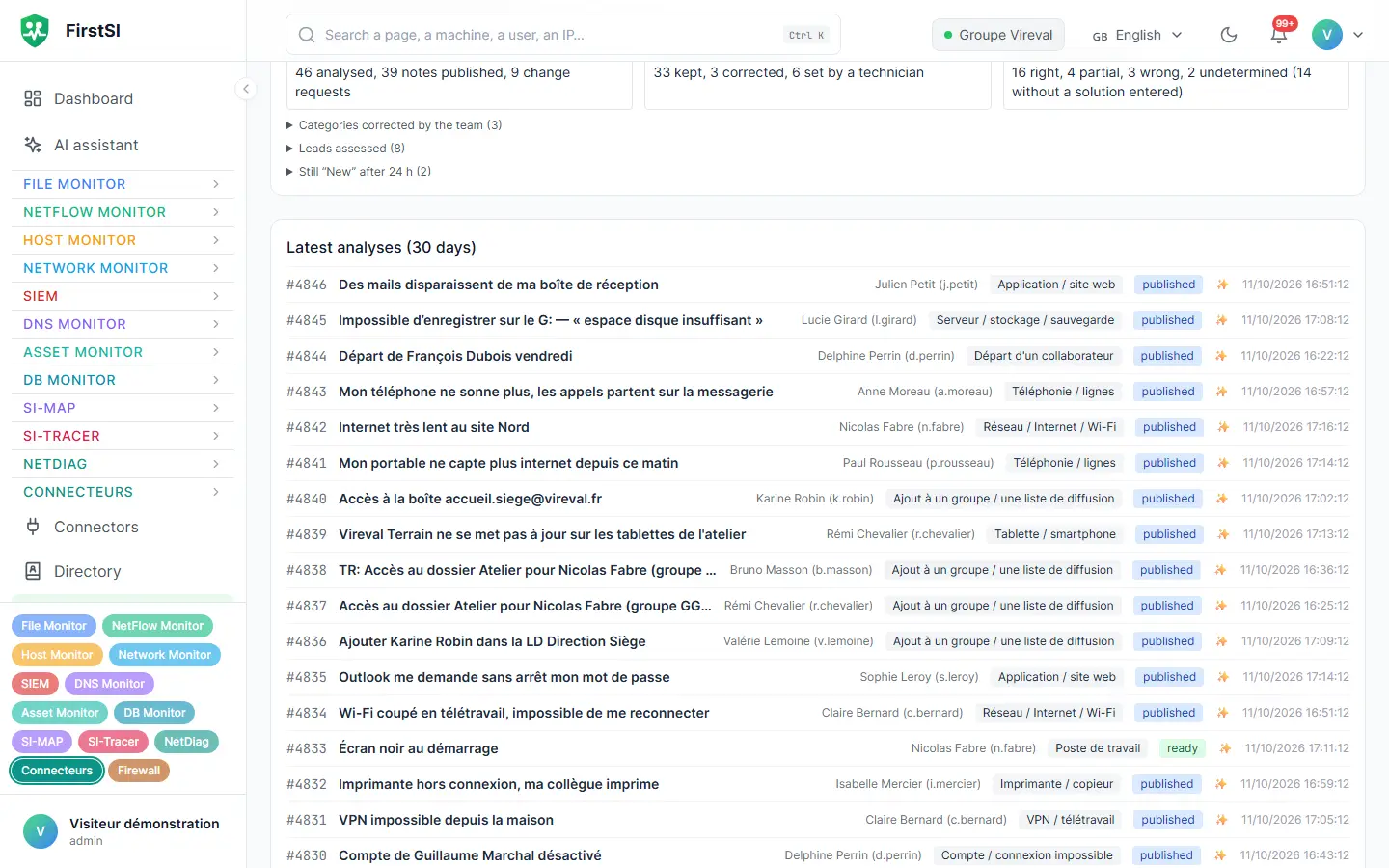
Screens from the live demo, with the data of a fictional company.
Tuesday, 8:03 am
The VPN ticket that no longer waits for anyone
Julie opens a ticket for Paul, who is travelling: his VPN has stopped working. The request lands in the service desk queue at 8:03 am, alongside twenty-two others already logged that morning.
Before anyone opens it, ticket pre-diagnostics have worked out that the request is about Paul, so the checks focus on him. His account is active and not locked, the VPN has rejected him three times since the previous day for an invalid password, and that password expired on Sunday. The internal note suggests the Network > VPN category, along with the lead.
The technician who picks up the ticket at 8:20 am calls Paul, helps him change his password and closes the request at 8:26 am. On Friday, the weekly review shows, ticket by ticket, where the suggested lead was right.
ticket “Could you restore Paul's VPN access?” (opened by Julie)
PERSON Paul identified, checks run on him
ACCOUNT active, not locked
VPN three rejections since yesterday, invalid password
PASSWORD expired on Sunday
internal note lead: renew the password. Category Network > VPN.
How it works
Your ticketing tool notifies FirstSI
Each time a ticket is created, a notification goes to FirstSI. The checks adapt to the nature of the request.
The checks run
Directory, computer, VPN, Microsoft 365, network, connectors to your applications: FirstSI gathers the facts and the AI summarises them.
The note is waiting for the technician
An internal note with the lead, the evidence and the suggested category. The technician starts from there.
Frequently asked questions
Which AI model is used?
Whichever one you choose, installed within your infrastructure. You can also go through your own compatible AI gateway. Nothing goes to a public AI service unless you decide it should.
How long does an investigation take?
Usually under a minute, depending on the number of checks and the power of the machine running the model.
Which ticketing tools are compatible?
The common service desk tools that can notify an external service when a ticket is created. Connectors can also read your other applications, read-only by default.
Can the AI change anything?
By default, everything is read-only. The only possible write is the pre-diagnostic internal note and category, which you switch on yourself.
Can I measure whether it helps?
Yes. Every week, a review compares what FirstSI suggested with what the team did, ticket by ticket.
More questions about installation, hosting, GDPR or integrations? All frequently asked questions
Take it further
The same data serves more than one purpose. These pages show it from other angles.
Unified IT monitoring
Twelve modules, one console, a single agent.
Learn more Workstation experienceWorkstation experience
Wi-Fi, Teams and apps, seen from the computer.
Learn more Microsoft 365 and the InternetMicrosoft 365 and Internet exposure
Sign-ins, leaks, what an attacker sees.
Learn moreIn the documentation
Leave the investigation to the assistant
A guided demonstration shows you a complete investigation and a pre-diagnosed ticket, from its creation through to the internal note.