Managed service providers (MSPs)
Managed service providers: all your clients in one console, each in its own space
Twenty clients, twenty directories, dozens of sites, and a team that switches tools depending on which client is calling. FirstSI brings the monitoring of all your clients together in a single console. Each client has its own isolated space, with its own rules, users, roles and modules. And what FirstSI records at each client becomes the material for services your clients understand: an initial audit, a check-in every month, an access review every quarter.
Open-access demo, no sign-up: 138 fictional machines and all twelve modules.
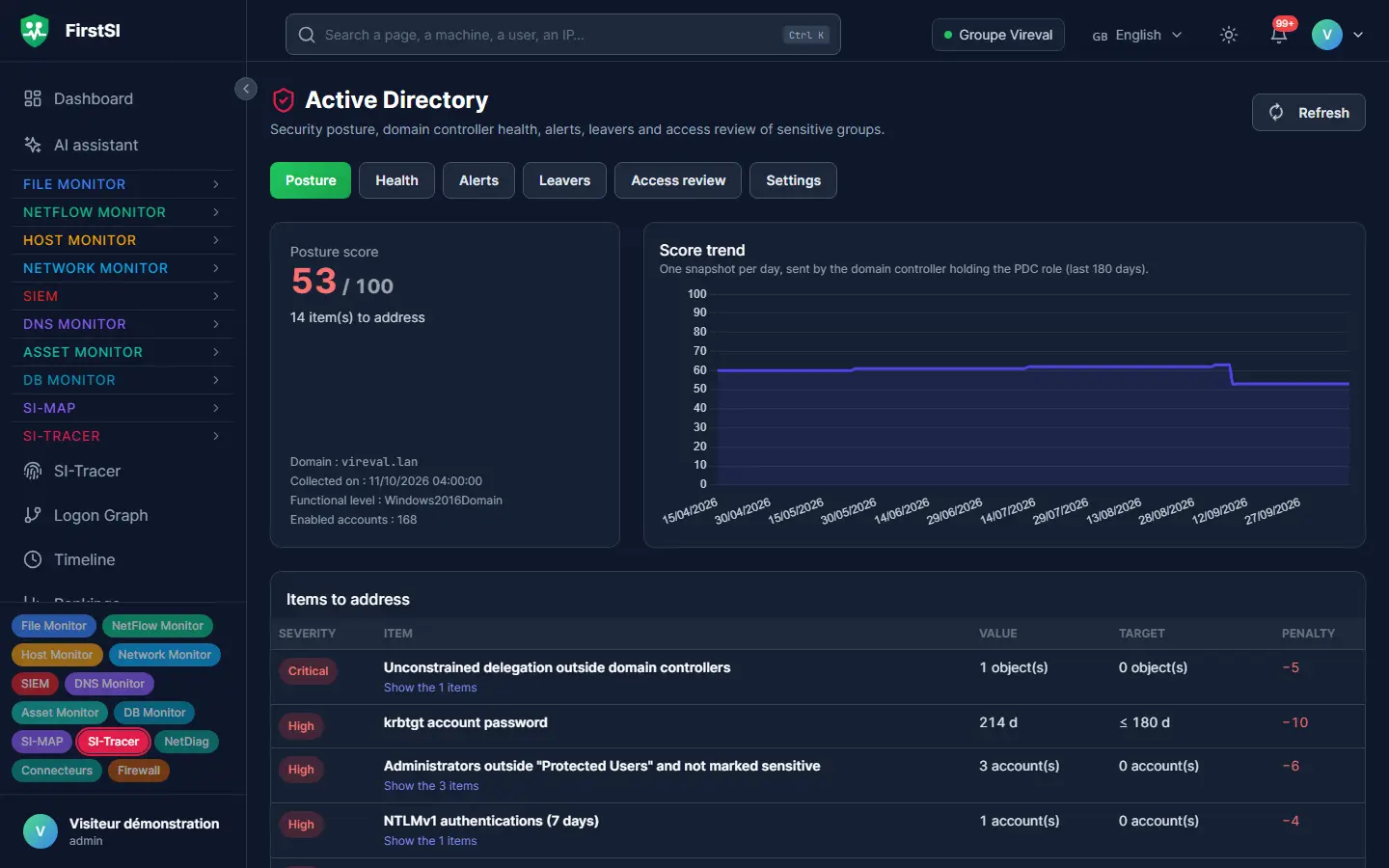
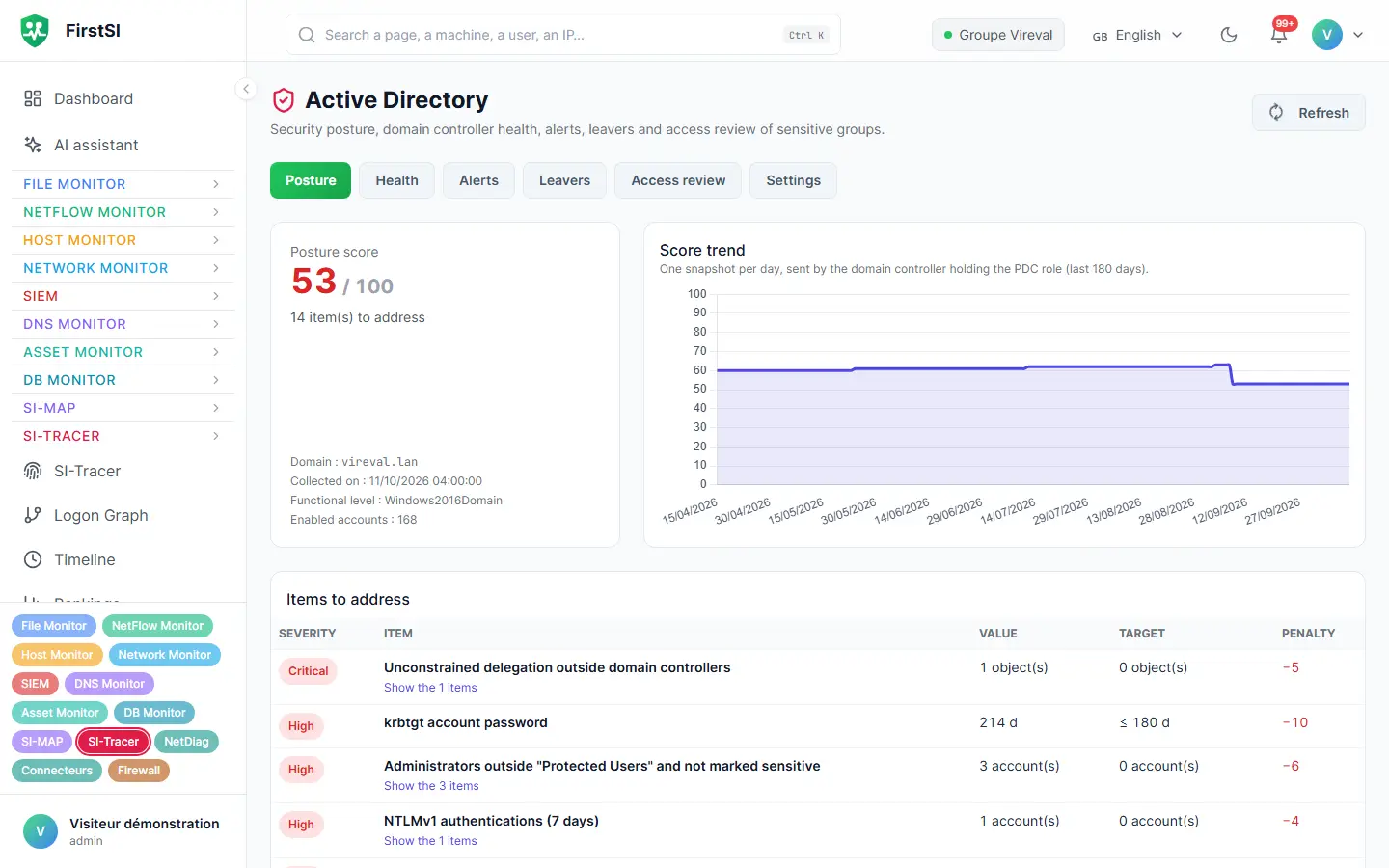
CLIENT 04 directory scored 61/100, four issues to address before its committee meeting
CLIENT 11 mass deletion on a share, incident opened at 7:12 am
CLIENT 17 file server: full in 12 days
CLIENT 08 quarterly access review exported
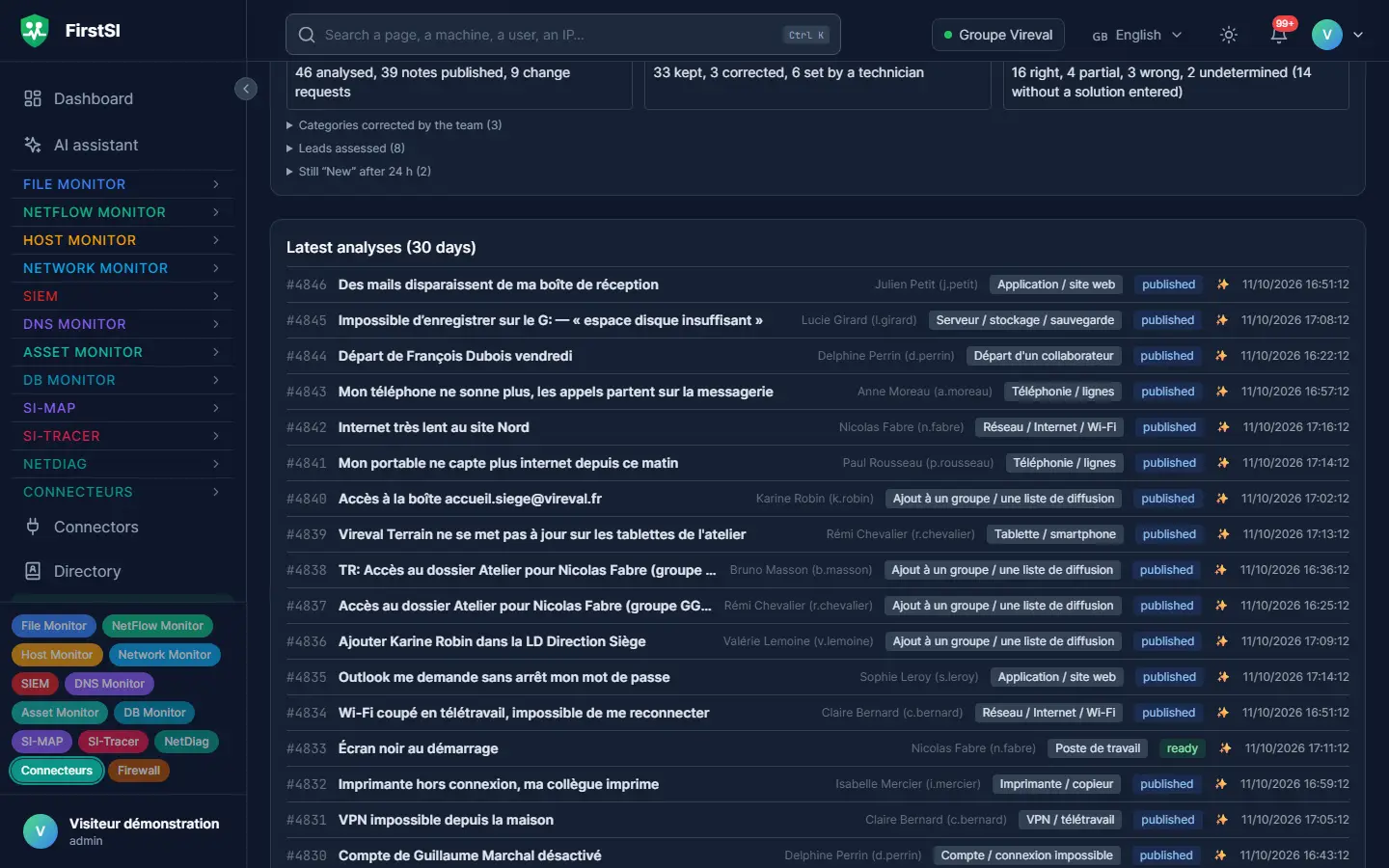
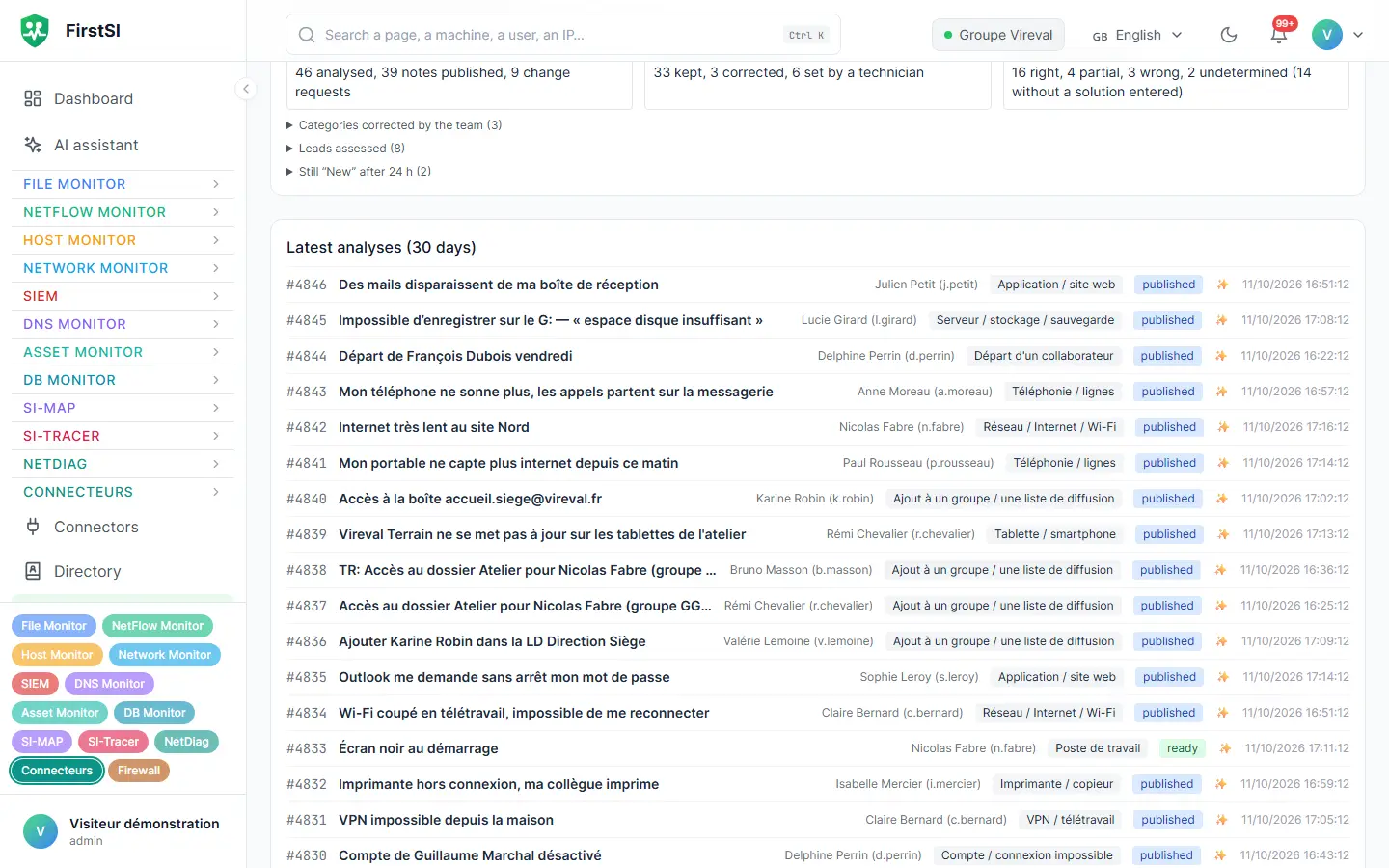
TICKETS 9 tickets pre-checked overnight, across all clients
What you can offer your clients
A well-argued initial audit
Active Directory posture score and issues to address, security status of each machine, exposure as seen from the Internet, share permissions: from the first readings, you present a quantified assessment, ranked by priority and readable by your client's management.
A monthly check-in with indicators
Change in the directory score, incidents handled, disks approaching saturation: each month, figures that show what has improved and what remains to be done.
The quarterly access review
Members of sensitive groups, accounts of people who have left and are still active: the review is ready to export for the manager who has to approve it at your client.
Preparing for NIS2
For clients covered by the directive, depending on their size and sector, FirstSI provides expected records: incident detection, logging, access reviews, traceability of changes.
Tickets handled faster
Ticket pre-diagnostics connect to each client's ticketing tool. Account, computer, VPN, Microsoft 365: the checks are done before your technician opens the ticket.
Your tools remain your own
A public API and an MCP server let your ticketing tool, your general monitoring and your AI assistants read what FirstSI knows, client by client.
In the console
Screens from the live demo, with the data of a fictional company.
Monday, 7:30 am
Twenty-two clients, a single screen on Monday morning
A team of six technicians looks after twenty-two SMEs and local authorities. On Monday at 7:30 am, the weekend on-call engineer hands over. Before, that meant opening each client's monitoring, then the backup consoles, then the firewall logs.
In FirstSI, every client fits on one screen. At one of them, a mass deletion on a share opened an incident at 7:12 am; at another, a file server will be full in twelve days. Nine tickets arrived overnight in the clients' ticketing tools, already checked by ticket pre-diagnostics.
By 8:15 am, the incident has been dealt with, the disk has been ordered and the tickets have been assigned. On Thursday, one client's monthly check-in goes out with the change in its directory score, up from 54 to 71, and the list of points still open.
07:12 CLIENT 11 mass deletion on a share, incident opened
07:15 CLIENT 17 file server full in 12 days
07:30 TICKETS 9 overnight tickets, pre-diagnostics done
08:15 SUMMARY incident closed, disk ordered, tickets assigned
How it works
One space per client
Each client has its own isolated space, with its own rules, users, roles and the modules it has chosen. Your technicians move from one client to the next in the same console.
Agents at each client
One agent per site, which connects out to your platform without opening any port at the client, through a relay or the client's proxy if needed.
Settings specific to each client
Thresholds, maintenance windows, connectors, ticketing tool, AI gateway and guidelines: each client has its own.
Frequently asked questions
Can my clients see each other's data?
No. Each client has its own isolated space, with its own rules, users and roles.
Can I give my client access?
Yes. Its users have their own accounts and roles in its space, for example a viewer role for its management.
Can the AI assistant follow each client's own instructions?
Yes. Each client has its own AI gateway and guidelines (vocabulary, sites, known leads). The assistant and ticket pre-diagnostics use them for that client only.
How does FirstSI integrate with my tools?
Through the public API and the MCP server: your ticketing tool, your general monitoring or your AI assistants read what FirstSI knows, client by client, with keys whose permissions are limited.
Can I show FirstSI to a client before raising it with them?
Yes. The online demo is open with no sign-up: 138 fictional machines, all twelve modules and correlated incidents. It resets every 30 minutes.
More questions about installation, hosting, GDPR or integrations? All frequently asked questions
Take it further
The same data serves more than one purpose. These pages show it from other angles.
AI assistant and ticket pre-diagnostics
AI on your premises, tickets already checked.
Learn more Active DirectoryActive Directory security
Sensitive groups, posture, forgotten accounts.
Learn more Windows serversServer security
Persistence, security status, capacity.
Learn moreIn the documentation
One console for all your clients
The guided demonstration shows a complete fictional estate, from the directory score to ticket pre-diagnostics.