SMEs and mid-sized firms
IT monitoring for SMEs and mid-sized firms spread across several sites
A head office, a factory, three branches and a warehouse that works through the night. IT has to keep up with everyone's hours, with a team of three to ten people who also handle projects, purchasing and support. FirstSI brings the monitoring of every site together in one console and tells you, each morning, what deserves your attention.
Open-access demo, no sign-up: 138 fictional machines and all twelve modules.
HEAD OFFICE servers, ERP and email all green
FACTORY tunnel to head office: 1.8% loss since 5 am
WAREHOUSE Wi-Fi saturated on the loading dock, picking terminals slow
SECURITY 38 password attempts on the VPN overnight
BACKUPS all successful
Your constraints, and what FirstSI changes
Every site, every link
Routers, SD-WAN tunnels, Internet links and Wi-Fi access points are tracked site by site. A degrading tunnel shows up before it blocks the ERP.
Factory hours
Maintenance windows per site and alerts set to match the shifts: the warehouse at night is watched as closely as head office during the day.
A SIEM without a SOC
The supplied rules connect files, flows, firewalls, DNS and the directory. You receive readable incidents, with their timeline, without a dedicated security team.
The ERP and its databases
Slow queries, blocking, overdue backups: you see what is slowing down order entry and what failed overnight.
Tickets already checked
Account, computer, VPN, site line: ticket pre-diagnostics run the first checks before the technician opens the ticket.
A new site on the map
As soon as its agent is installed, a new site joins the console with its network, its computers and its equipment.
In the console
Screens from the live demo, with the data of a fictional company.
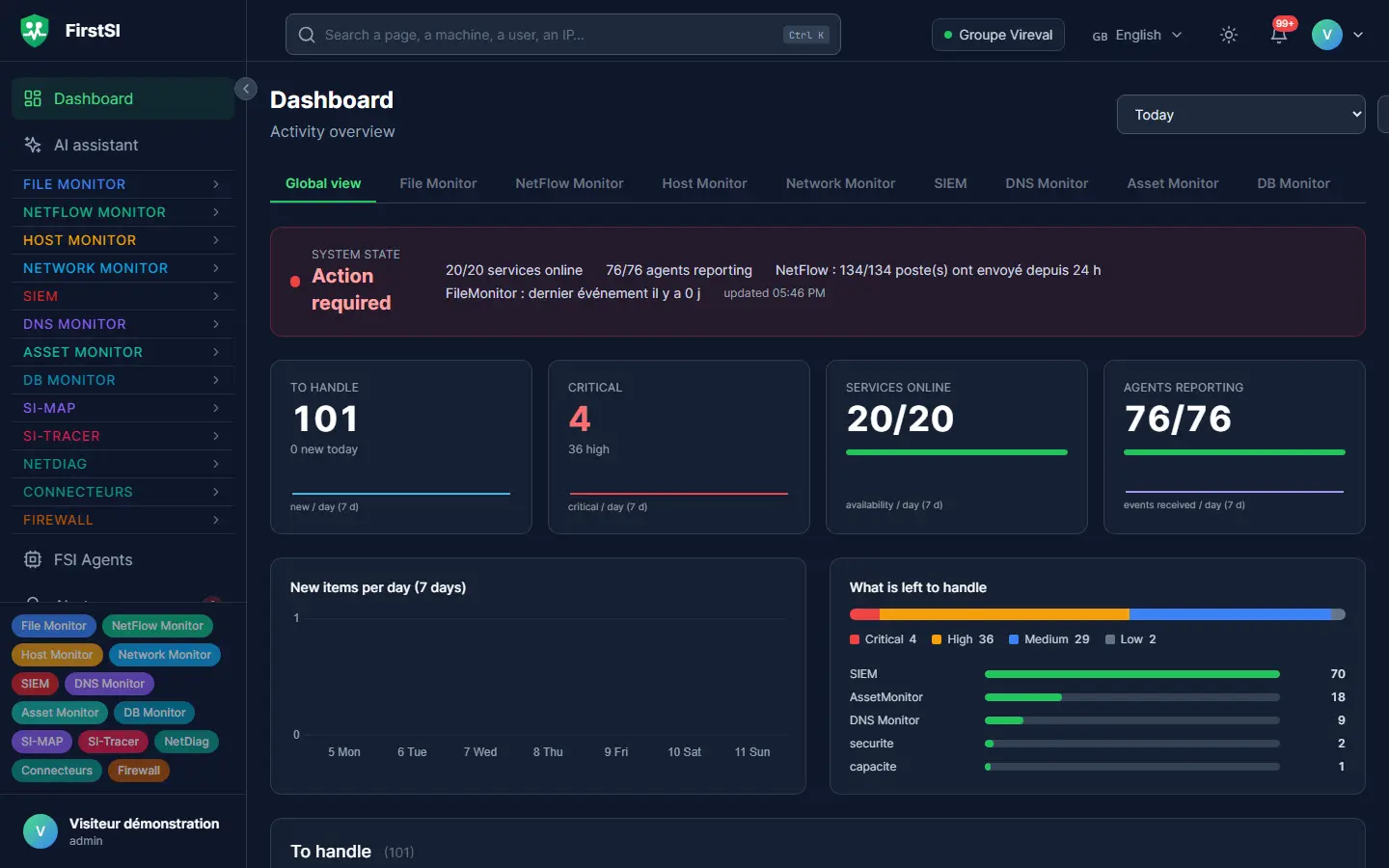
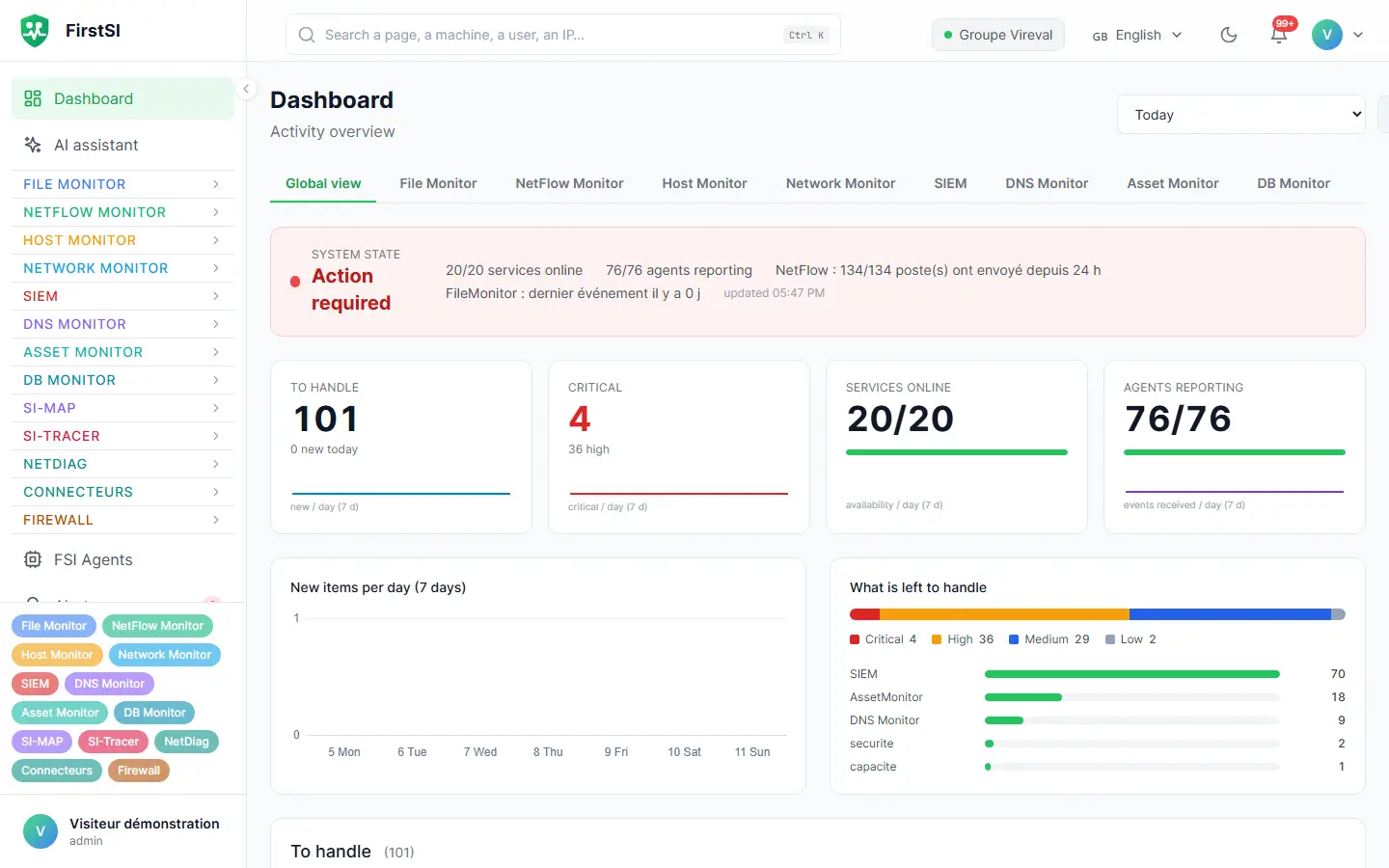
Tuesday, 5:20 am
The factory that could no longer reach the ERP
The morning shift arrives at the factory at 5:30 am. Since 5 am, the tunnel to head office has been losing packets, and the ERP takes thirty seconds to confirm each work order.
FirstSI alerted the on-call engineer at 5:08 am: tunnel degraded, the factory Internet link at fault. The assistant confirms that the ERP server and its database are fine, and that only this site is affected.
The switch to the backup link happens at 5:25 am. When the shift starts the first production orders, the ERP responds normally, and the incident with the carrier is already open.
05:00 TUNNEL factory ↔ head office: 1.8% loss
05:08 ALERT on-call engineer notified
05:12 ERP server and database, no anomalies
05:25 FAILOVER backup link active, no more loss
How it works
Head office and the ERP
Central servers and databases first: every site depends on them.
Then each site
One agent per site, which also relays firewall logs and the state of the local network.
Settings for each site
Hours, thresholds and alert recipients adapted to each site and each team.
Frequently asked questions
Is my company affected by NIS2?
That depends on your sector and your size: the directive covers many industrial and service sectors, above a certain size. If you are in scope, FirstSI provides the expected records: detection, logging, access reviews.
Can I monitor a site abroad?
Yes. The site agent connects out to your FirstSI server over the Internet, through a relay or through the corporate proxy. The console is available in five languages for local teams.
Are my production machines covered?
FirstSI tracks what passes over the network: availability, flows, devices that speak SNMP. It does not control PLCs and is never installed on them.
Do I need a dedicated team to run FirstSI?
No. The rules are supplied, the home page sums up what matters, and a team of three uses it every day.
More questions about installation, hosting, GDPR or integrations? All frequently asked questions
Take it further
The same data serves more than one purpose. These pages show it from other angles.
Multi-site network monitoring
SD-WAN, tunnels, Wi-Fi, carrier links.
Learn more SIEMSIEM and incident detection
Correlated incidents, with their timeline.
Learn more DatabasesDatabases
Performance, background jobs, backups.
Learn moreIn the documentation
All your sites, one screen in the morning
A guided demonstration on a fictional estate spread over several sites, with its branches, its warehouse and its databases.