Active Directory
Active Directory security: know who becomes an administrator
On a Friday at 10:41 pm, an account joins the Domain Admins group. Nobody asked for it, and on Monday morning nothing looks out of place. FirstSI watches your directory around the clock, alerts you within the minute with the name of whoever made the change, and scores the health of the directory month after month.
Open-access demo, no sign-up: 138 fictional machines and all twelve modules.
GROUPS “Domain Admins”: one member added on Friday at 10:41 pm
AUTHOR backup service account, from a head office computer
CONTROLLERS replication, time and backup all compliant
ACCOUNTS 7 accounts of people who have left, still active
POSTURE directory scored 82/100, up six points in a month
What FirstSI watches in the directory
Sensitive groups, in real time
An addition to Domain Admins, Enterprise Admins or any group you consider sensitive sets off an alert straight away, with the author of the change, their computer and the time.
Credential attacks
Theft of authentication tickets, rogue directory replication, a modified group policy, a cleared security log: these moves turn up in almost every attack, and FirstSI flags them.
A score that goes up
A posture score is calculated every day and tracked over time. It shows what is dragging the score down and what would raise it fastest. It also gives you a simple figure to put in front of the board.
Domain controllers in good shape
Replication, time synchronisation, a recent backup, certificates close to expiry: every controller is checked continuously, and you hear about a problem before logons start failing.
Access reviews, already prepared
A periodic review of sensitive groups, ready to export for the manager who has to sign it off. Accounts belonging to people who have left, yet still active, are listed separately.
An account's record
Its lockouts and their real origin (a VPN attempt, a phone still on the old password), its usual computers, its addresses, its Microsoft 365 sign-ins. On the service desk, that saves a quarter of an hour per call.
In the console
Screens from the live demo, with the data of a fictional company.
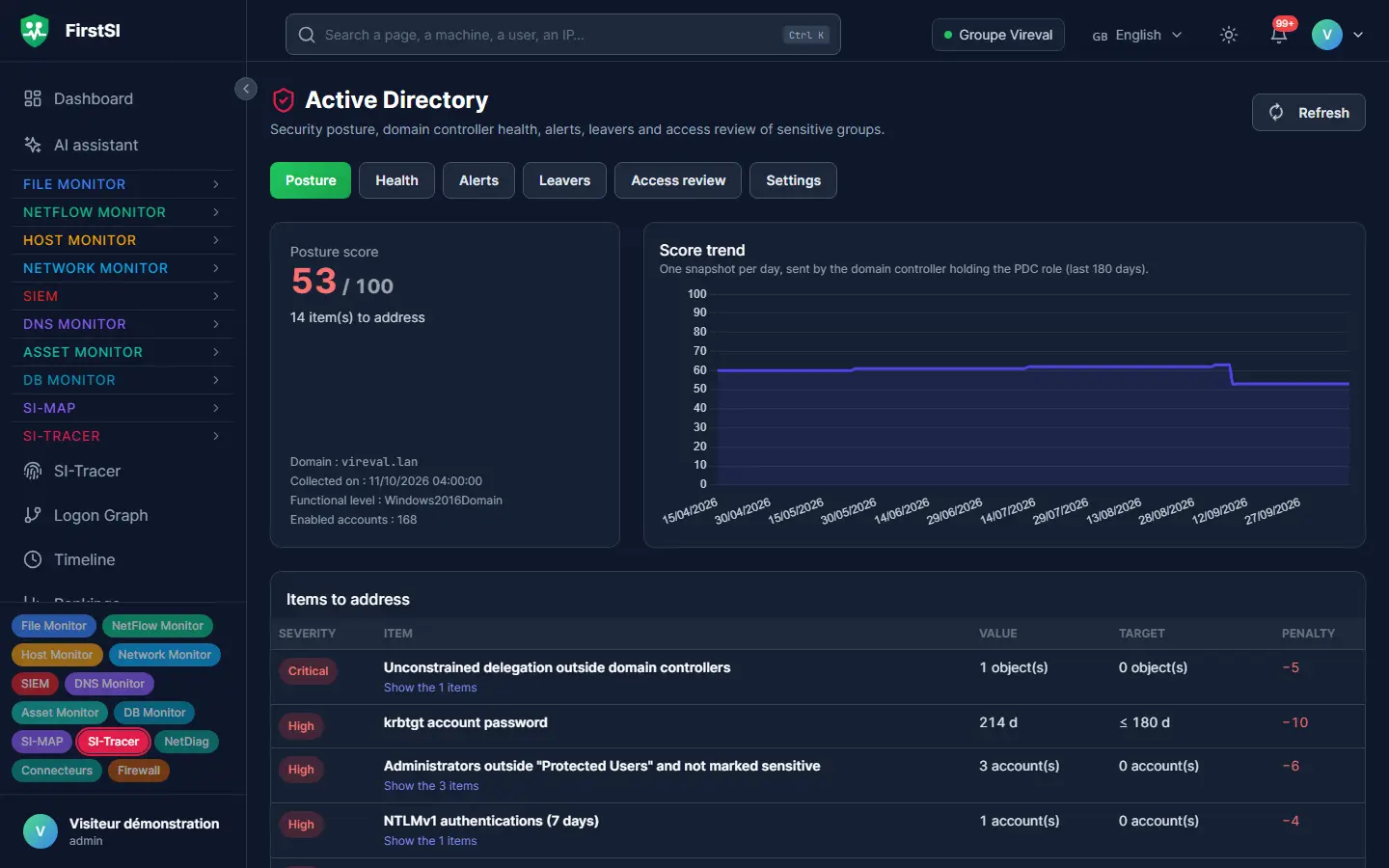
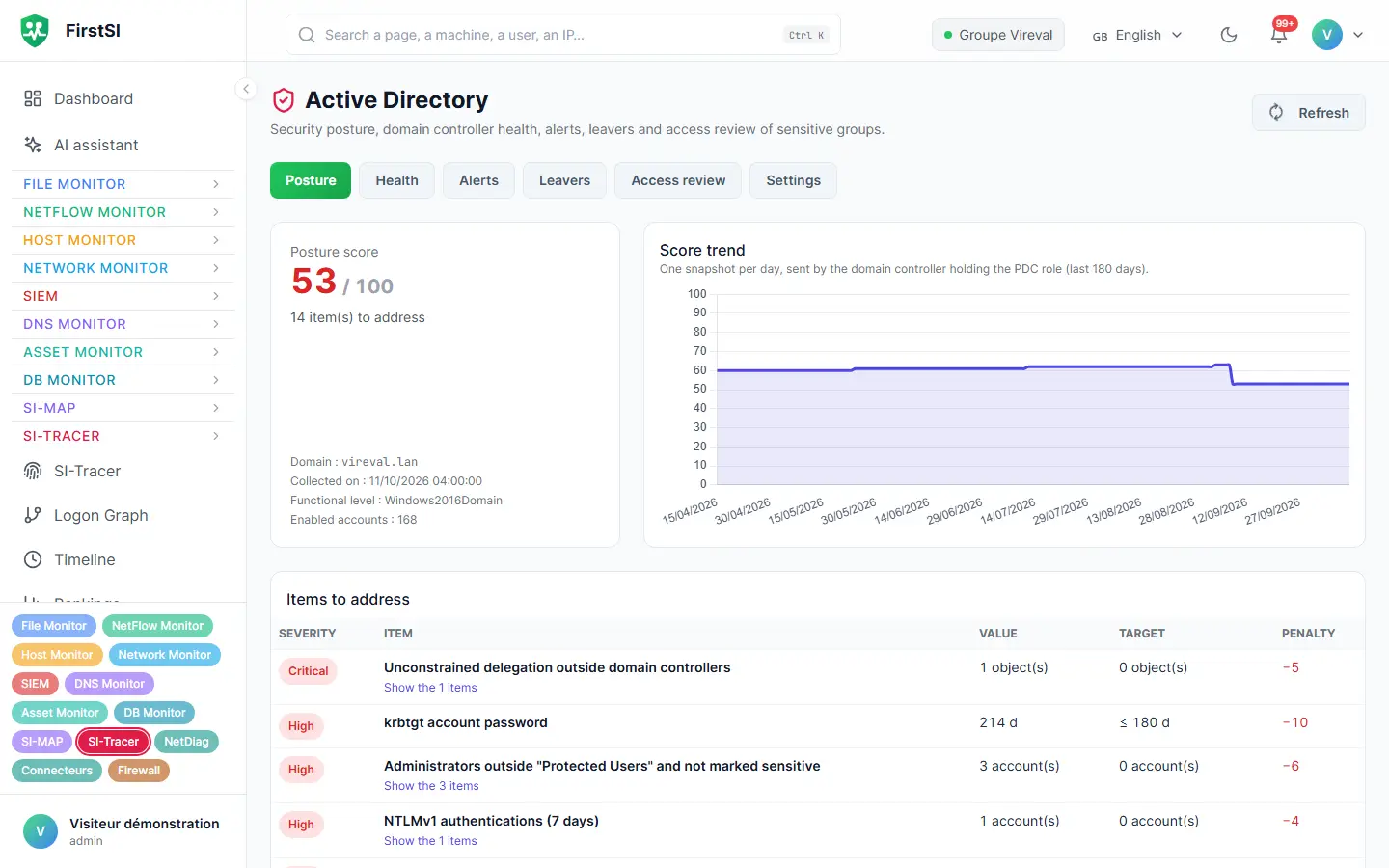
Friday, 10:41 pm
An admin addition nobody asked for
The backup service account has broad rights, as these accounts often do. That evening, it is used to add an ordinary user to the Domain Admins group. The whole operation takes two seconds.
FirstSI sends the alert to the on-call engineer within the minute: the group that was changed, the account that acted and the computer the command came from. The SIEM links it to an unusual logon on that same computer two minutes earlier.
The on-call engineer removes the new member, disables the service account and isolates the computer. On Monday, the access review shows the full history, and the posture score points out that this service account had held far too many rights for two years.
22:39 LOGON unusual logon on a head office computer
22:41 GROUP member added to “Domain Admins”
22:41 AUTHOR backup service account
22:42 ALERT on-call engineer notified by email and webhook
22:58 RESOLVED member removed, service account disabled
How it works
The agent on the controllers
It reads the logs Windows already produces. There is no driver to install, and the directory schema is left untouched.
Rules ready to use
Risky behaviour is recognised out of the box. You add your own sensitive groups and the accounts you want to watch closely.
An alert that says who, what and from where
Each alert arrives with the author, the target and the source computer, then joins the SIEM to be matched against everything else.
Frequently asked questions
Do I need to install anything on the domain controllers?
Yes, the FirstSI agent, the same one used everywhere else. It runs as a Windows service and updates remotely, with signed updates.
Does FirstSI change the directory?
No. It reads the logs and the state of the directory without changing anything. Fixes remain in your hands.
What is the posture score for?
Mainly for measuring your own progress. Every lost point is explained, along with the fix that would win it back.
Does it help with NIS2?
Monitoring privileged accounts, reviewing access periodically and tracing changes are among the expected measures. FirstSI gives you the evidence, ready to export.
What about Microsoft 365 accounts?
They are covered by the Microsoft 365 connector: refused sign-ins explained, bursts of password attempts, sign-ins from an unusual country.
More questions about installation, hosting, GDPR or integrations? All frequently asked questions
Take it further
The same data serves more than one purpose. These pages show it from other angles.
Server security
Persistence, security status, capacity.
Learn more SIEMSIEM and incident detection
Correlated incidents, with their timeline.
Learn more Microsoft 365 and the InternetMicrosoft 365 and Internet exposure
Sign-ins, leaks, what an attacker sees.
Learn moreIn the documentation
Your directory deserves a night watch
Bring your questions about the directory: the guided demo shows what FirstSI would see in it, on a complete estate.