Windows servers
Windows server security: nothing gets installed behind your back
A scheduled task that relaunches an unknown script every night, a local administrator who has appeared on the warehouse server, an antivirus switched off “just for an installation” three months ago. This sort of thing usually comes to light too late. FirstSI compares each server with its baseline, scores its security status and forecasts the day its disks will be full.
Open-access demo, no sign-up: 138 fictional machines and all twelve modules.
PERSISTENCE new scheduled task on an application server, not approved
ACCOUNTS local administrator appeared on the warehouse server
PATCHES 37 of 40 servers up to date
CAPACITY head office file server: full in 18 days
SCORE estate scored 86/100
What FirstSI checks on every server
A baseline for each server
Services, scheduled tasks, administrators and local accounts: FirstSI keeps the baseline state of each server and flags the slightest addition. A planned change is approved in one click and becomes the new baseline.
A score for each machine
Antivirus or EDR running, signatures up to date, patches, disk encryption, obsolete protocols, firewall: every machine gets a score, and so does the whole estate. You know where to start.
What is installed, and what should be long gone
An automatic software inventory, matched against known vulnerabilities (CVEs) and end-of-support dates. That old version of Java on the payroll server stands out straight away.
“Full in 18 days”
Volume growth is tracked daily and FirstSI works out the saturation date. You order the disk while there are still three weeks to go, without any rush.
Availability and response times
HTTP, TCP and ping probes on your services, with their incidents and response times, plus maintenance windows for planned work.
The building blocks people forget
Time synchronisation, DHCP servers, file-share replication: these services only get noticed when they fail. FirstSI checks them continuously.
In the console
Screens from the live demo, with the data of a fictional company.
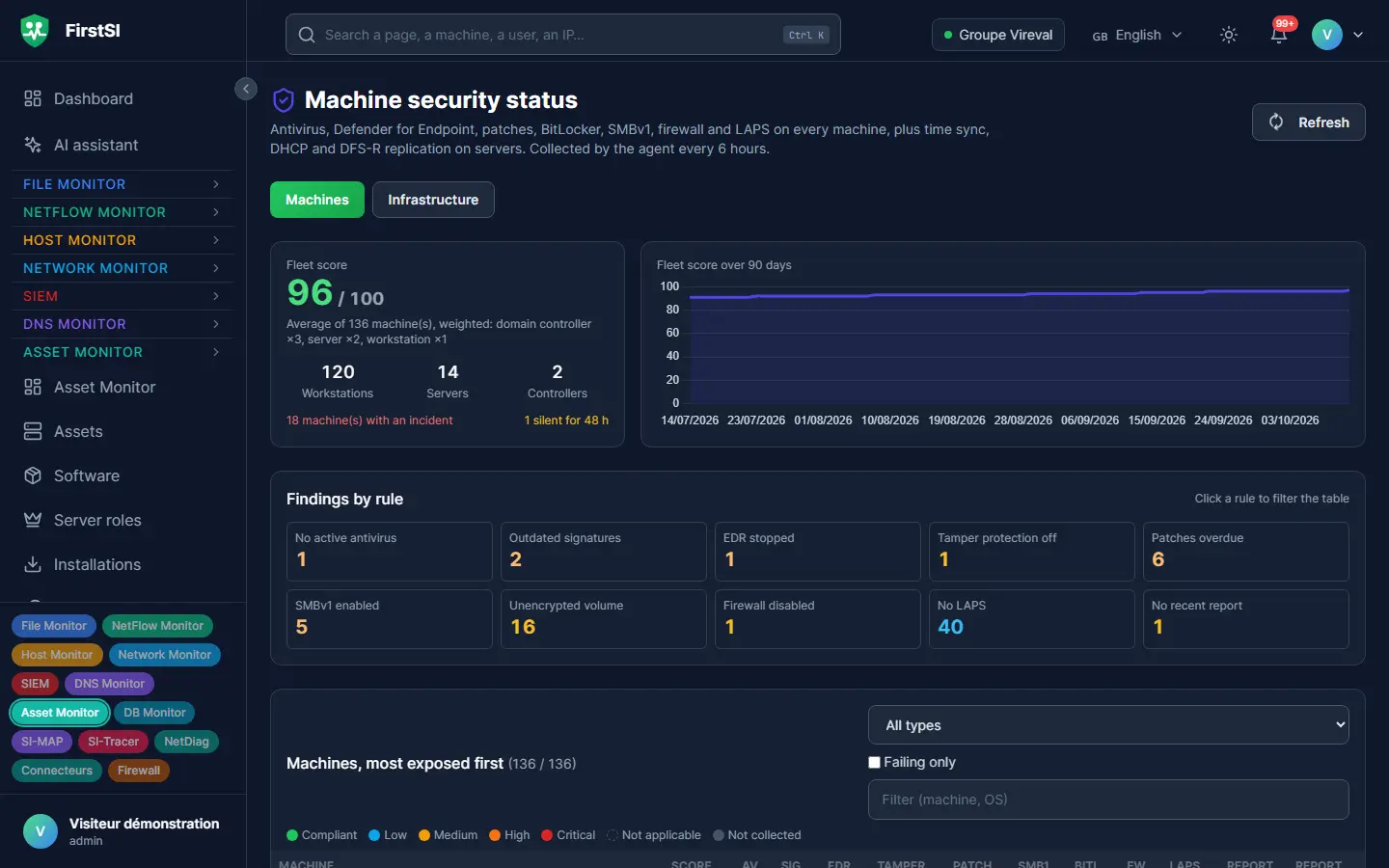
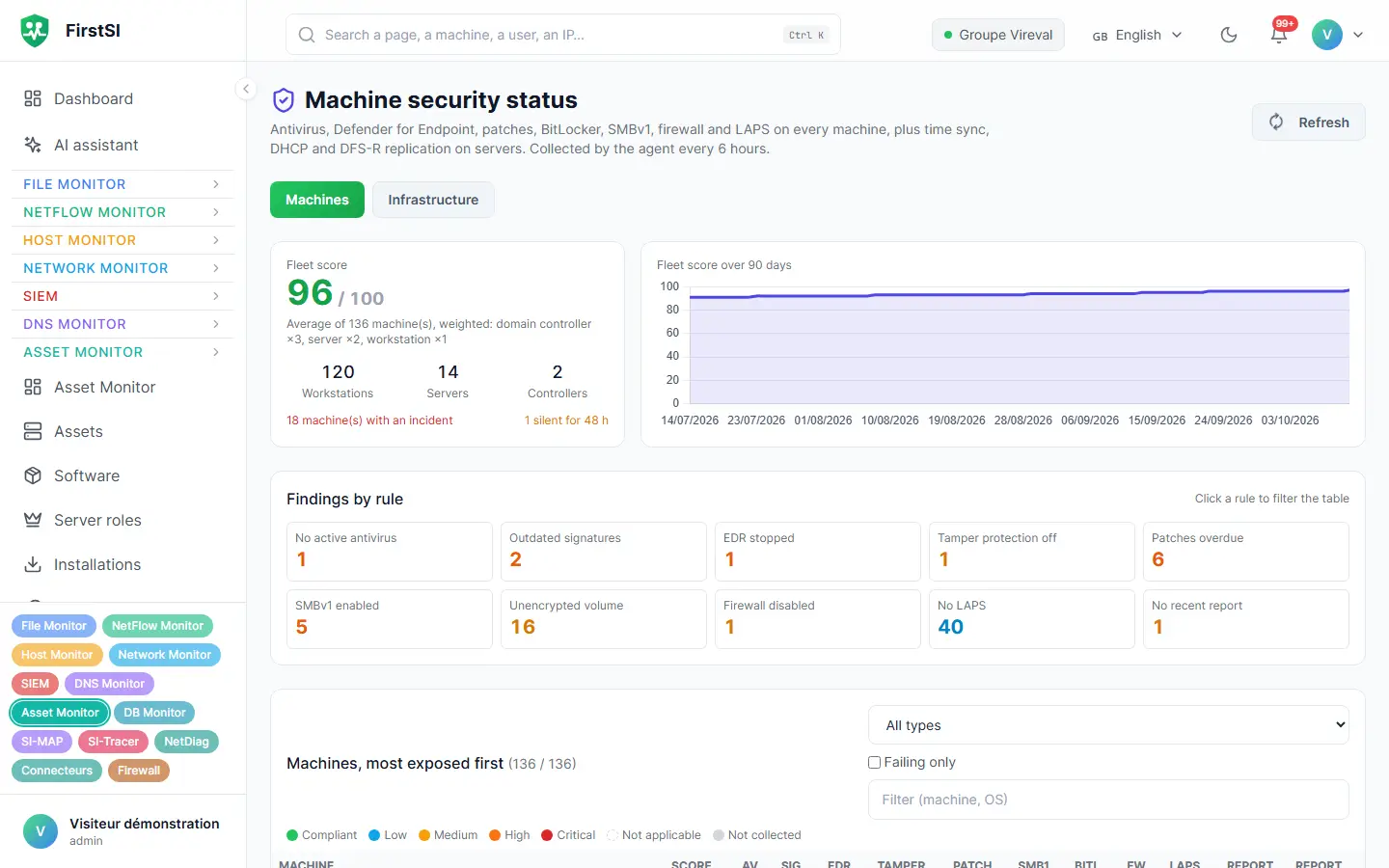
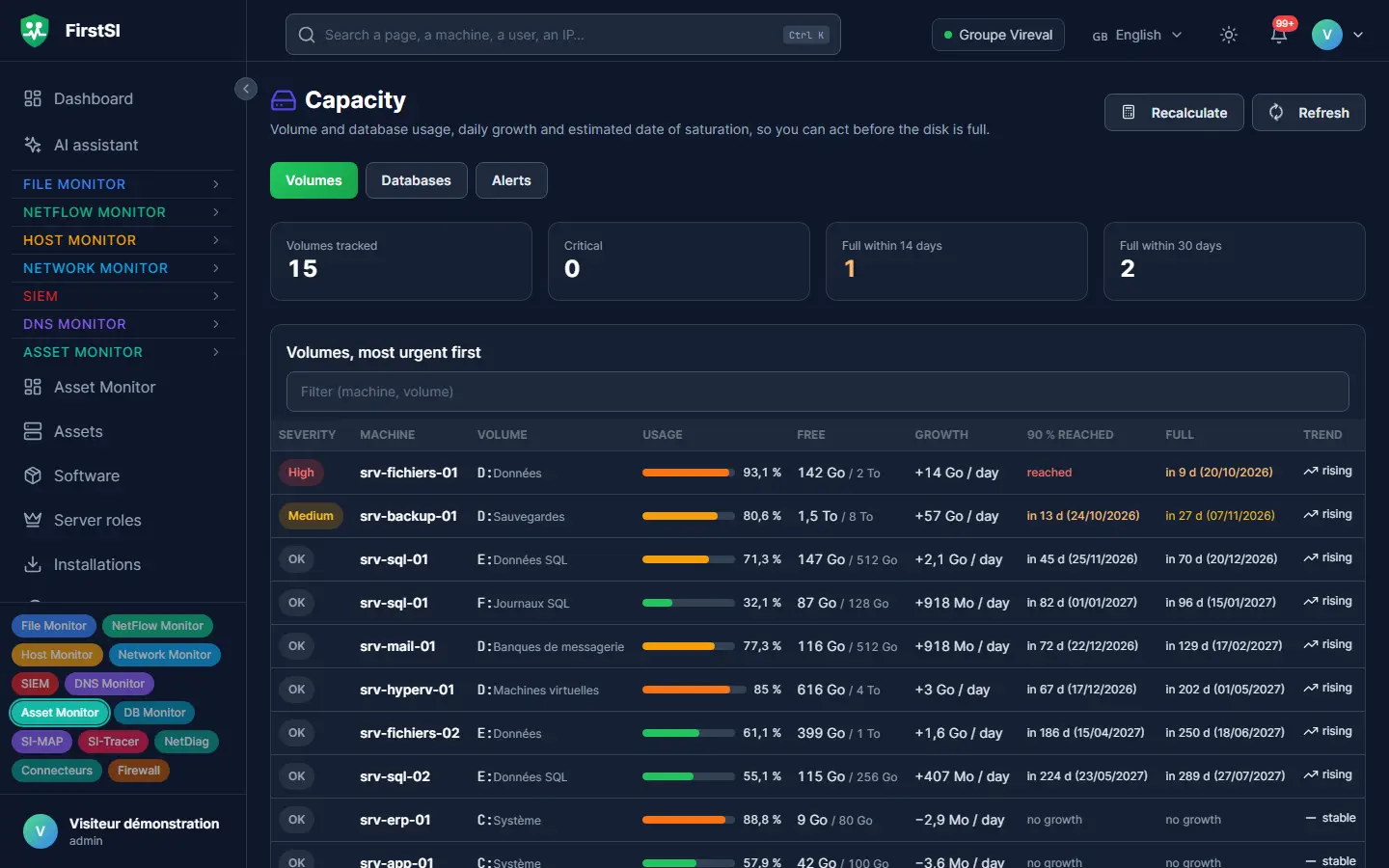
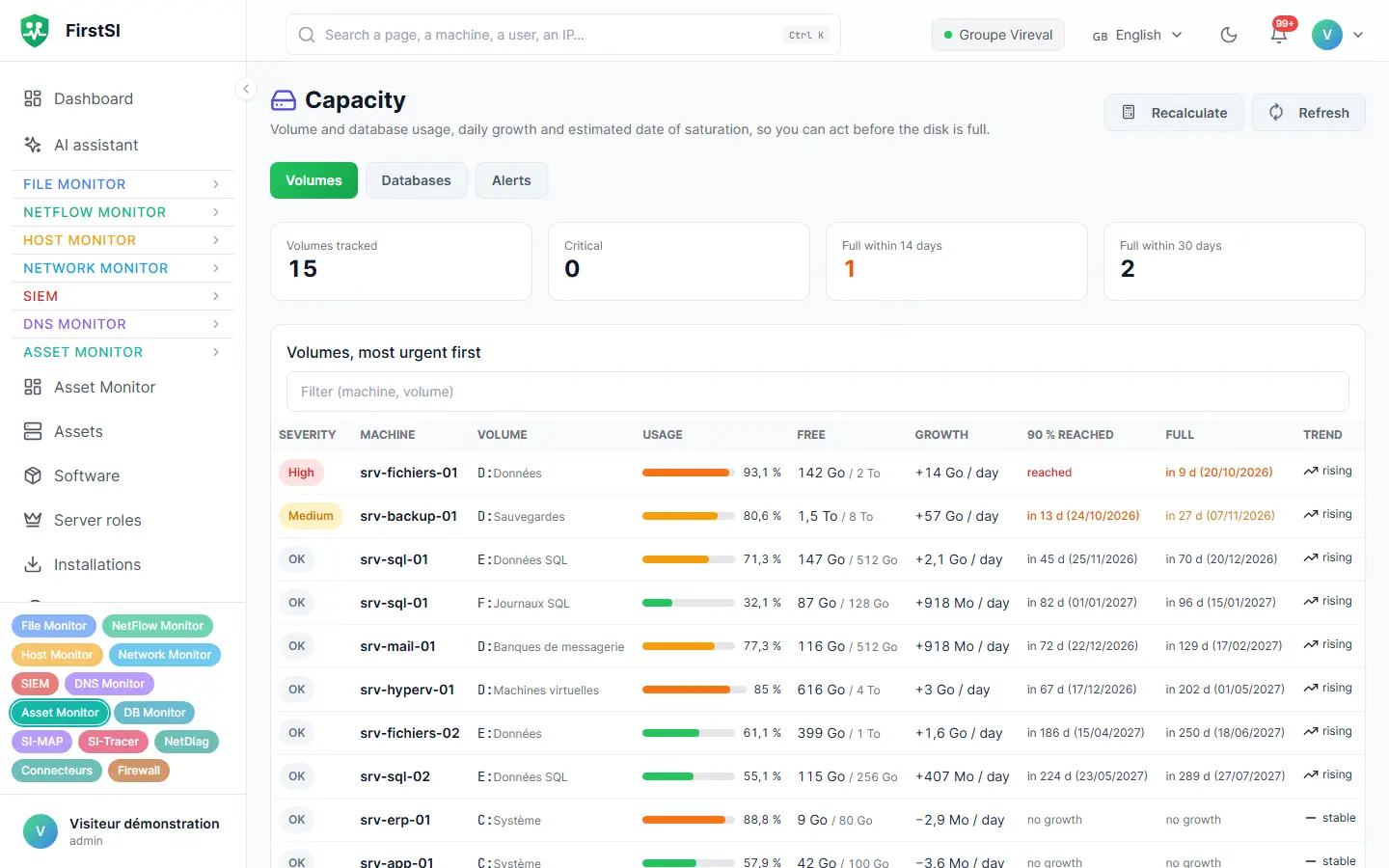
One night, 2:47 am
The scheduled task nobody had created
An application server installed six years ago, the kind everyone is afraid to touch. One night, a scheduled task appears on it. Every day at 3 am, it runs a script stored in a temporary folder.
The next morning, FirstSI flags it at the top of the home page: a new task, not approved, missing from the server's baseline. The record shows who created it and when. Neither the application vendor nor the internal team had been anywhere near the server.
You isolate the server, delete the task and change the password of the account used, then search FirstSI for the other machines that account logged on to this week. There are two, and both are checked before noon.
02:47 TASK “System update” created, script in a temporary folder
02:47 AUTHOR a contractor's account, signed in from a head office computer
08:05 ACCOUNTS same account seen on two other servers this week
08:05 APPROVED three other changes this week, approved by the team
How it works
The agent on every server
The same agent as for the other modules. It records the state of the server and sends it to the console.
A baseline is set
The first snapshot becomes the baseline. From then on, every deviation is flagged and you decide whether it is legitimate.
Priorities emerge
The score, the vulnerabilities and the capacity forecast rank your servers. The most urgent sits at the top of the list.
Frequently asked questions
Does FirstSI replace my antivirus or EDR?
No. It checks that they are running and up to date on every machine, and alerts you the day that stops being the case.
Are workstations covered too?
Yes. The security score and the inventory also cover workstations, including disk encryption and patches.
How is the saturation date calculated?
From the growth observed over the past few weeks. It is recalculated every day and takes regular clean-ups into account.
Where does the vulnerability data come from?
From several public vulnerability databases, matched daily against the software inventory. End-of-support dates are tracked in the same way.
What if a change is legitimate?
You approve it in one click. It becomes the new baseline and is no longer flagged.
More questions about installation, hosting, GDPR or integrations? All frequently asked questions
Take it further
The same data serves more than one purpose. These pages show it from other angles.
Active Directory security
Sensitive groups, posture, forgotten accounts.
Learn more DatabasesDatabases
Performance, background jobs, backups.
Learn more Files and sharesFiles and shares
Who opened what, and who is allowed to.
Learn moreIn the documentation
Know what is running on your servers
A guided demonstration shows you persistence monitoring, the security score and the capacity forecast on a complete estate.