Files and shares
File access auditing: who opened what, and who is allowed to
“The Budget 2027 folder has vanished.” The next question is always “who?”, and answering it usually takes half a day of trawling through Windows logs. With FirstSI it takes ten seconds: the account, the computer, the time and the list of files. FirstSI also looks at what comes before an incident, by checking who can open what on your shares.
Open-access demo, no sign-up: 138 fictional machines and all twelve modules.
DELETION 312 files deleted in 4 minutes, Budget 2027 folder
ACCOUNT an intern's account, from pc-114
PERMISSIONS Finance folder open to “Everyone” since Tuesday
INHERITANCE permission inheritance broken on Payroll/Archives
EXPORT file list ready for restoration
File auditing, from the click to the permission
Who, what, when, from where
Reads, changes, deletions, renames: every access is recorded with the account, the computer and the time. The agent relies on native Windows auditing, so no driver is installed.
Bulk deletions, caught
Hundreds of files deleted or renamed within a few minutes set off an immediate alert. It is also the first sign of ransomware encrypting a share.
Who can open what
Folders open to everyone, broken inheritance, recently changed permissions: FirstSI records the permissions on your shares and tells you what has moved.
Less noise
Filters by extension, folder or account: temporary files and backup accounts no longer drown out the useful information.
The “I can't open the folder any more” ticket
When someone can no longer open a folder, ticket pre-diagnostics attach the actual permissions and their recent changes. The technician sees at once which group was removed, and by whom.
An audit trail for when the auditors call
Who viewed the salaries folder this year? The answer exports in one click, over the retention period you have set.
In the console
Screens from the live demo, with the data of a fictional company.
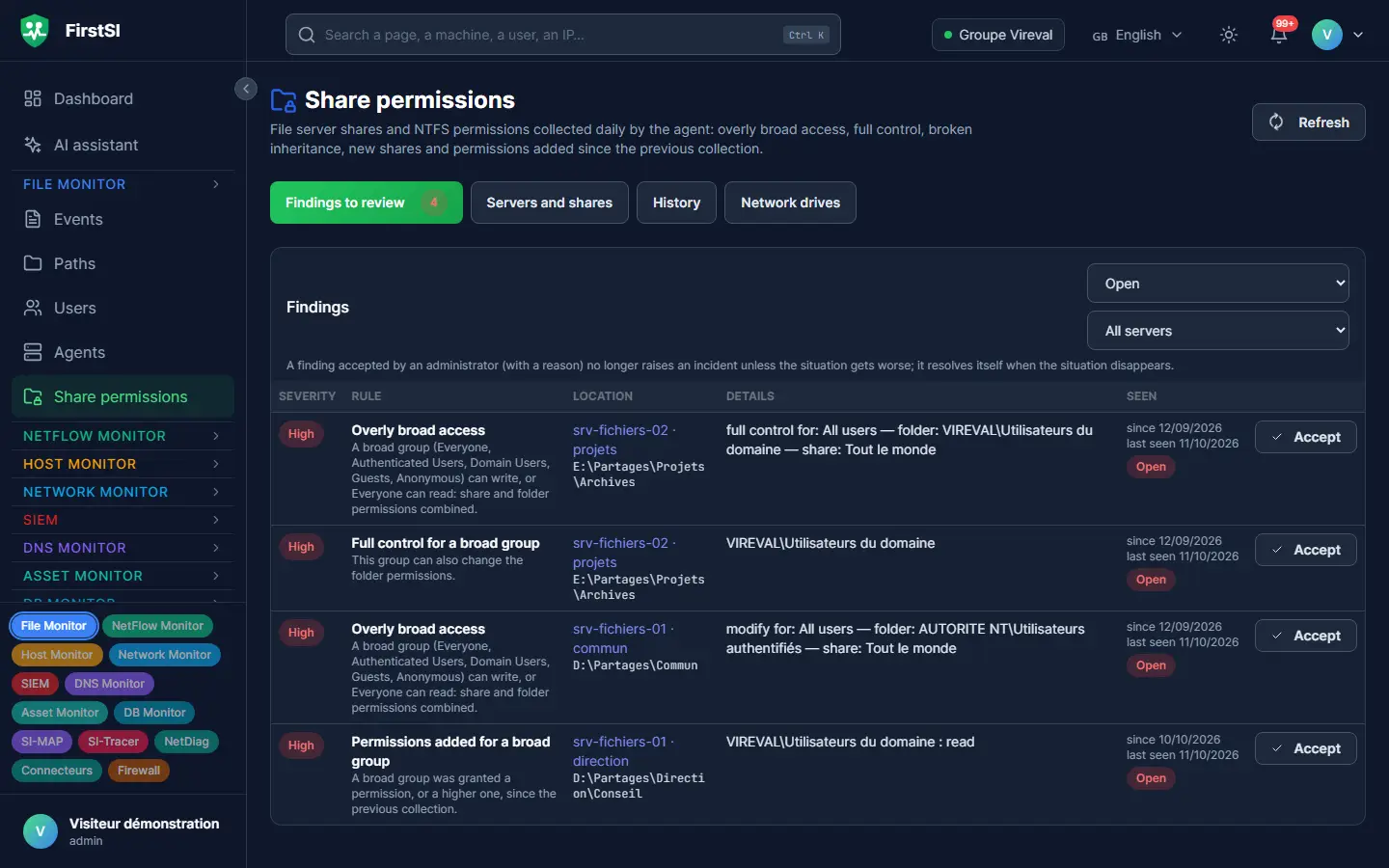
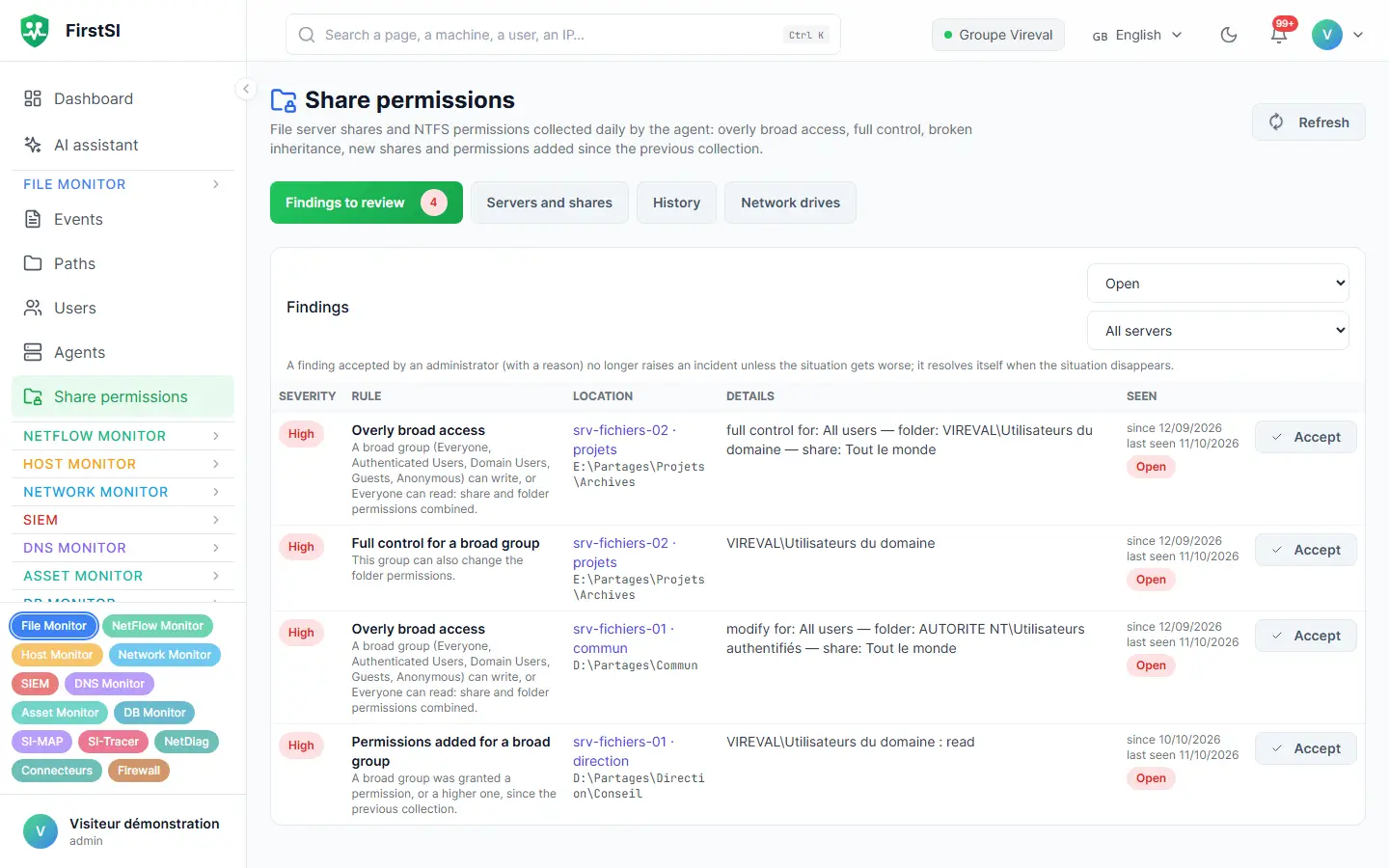
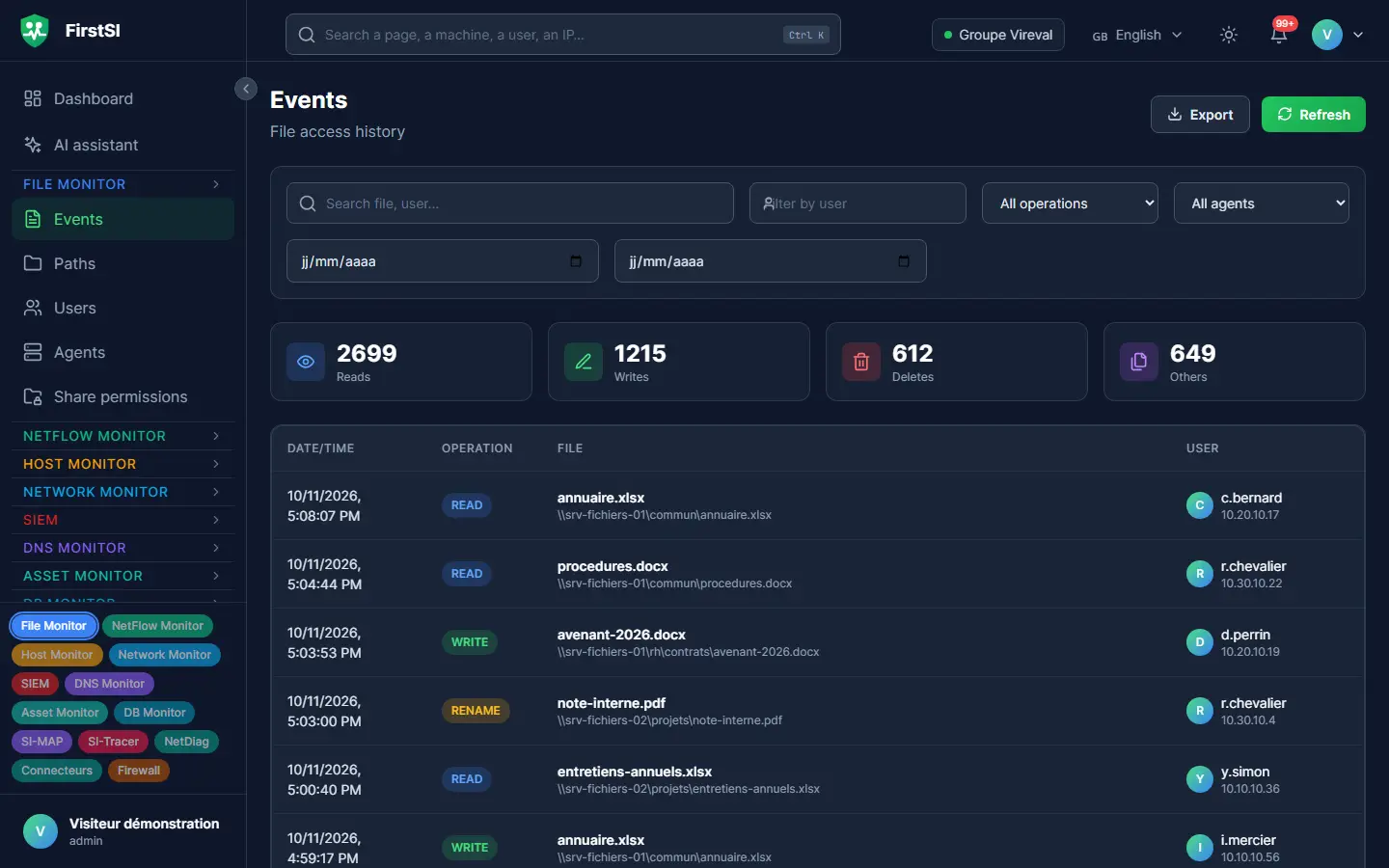
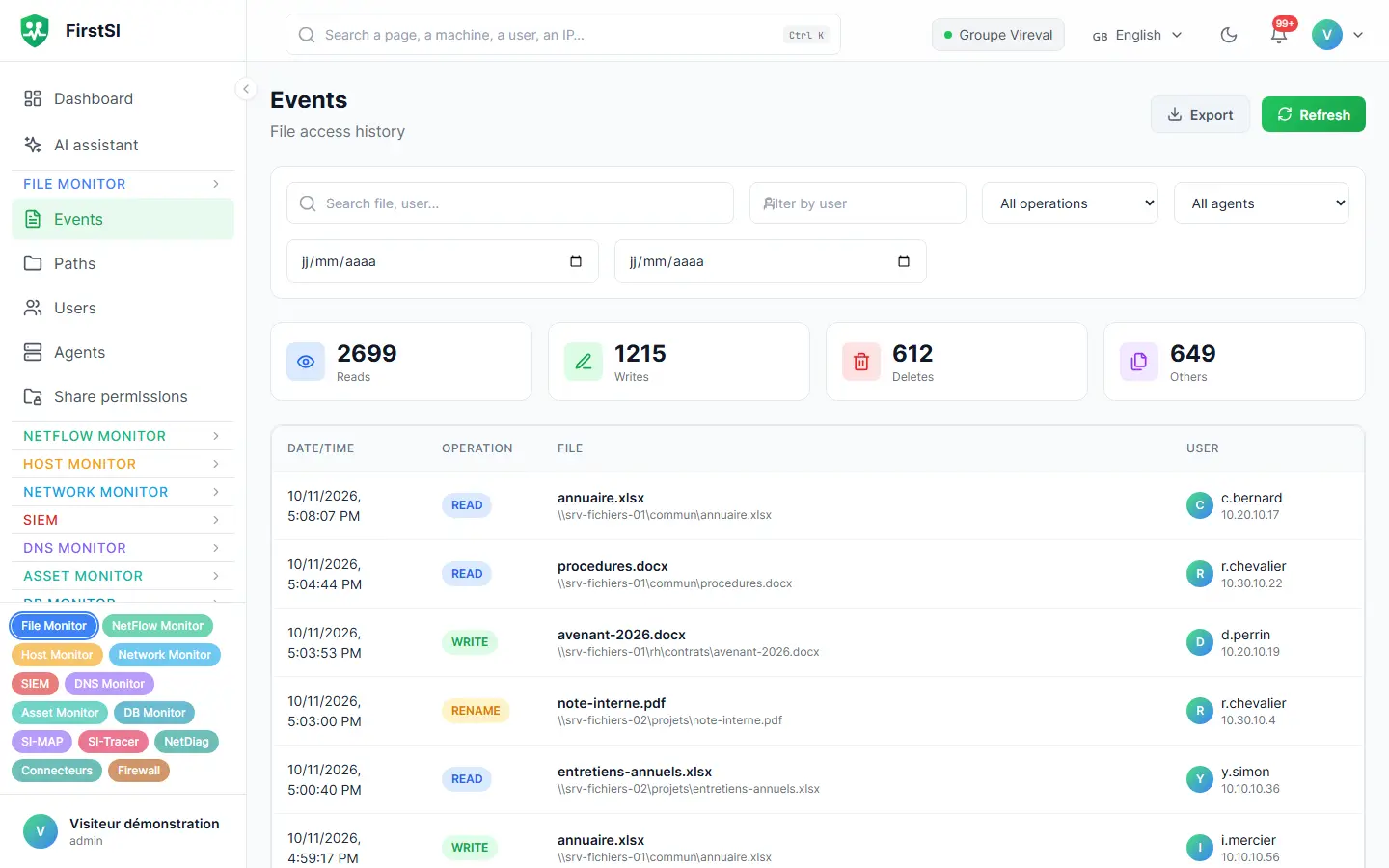
Monday, 9:15 am
The Budget folder has disappeared
The finance director opens a ticket: the Budget 2027 folder is no longer on the share, and she needs it for an 11 am meeting.
In FirstSI, one search on the folder is enough. On Friday at 5:42 pm, 312 files were deleted in four minutes by an intern's account, from pc-114. He had slipped up while tidying his desktop. The bulk-deletion alert had in fact gone out on Friday evening, to the on-call team's inbox.
You export the exact list of files, the backup team restores them at 10 am, and you take the opportunity to remove a delete permission the intern should never have had. The 11 am meeting goes ahead as planned.
Fri 17:42 DELETION started, an intern's account, pc-114
Fri 17:46 ALERT 312 files deleted, on-call team notified
Mon 09:16 EXPORT file list ready for restoration
Mon 10:02 RESTORED folder recovered from backup
How it works
Enable Windows auditing
FirstSI tells you which folders to audit. Native Windows auditing does the rest, without a driver.
The agent reads and sorts
On each file server, the agent filters events and sends the useful ones. Share permissions are recorded alongside.
You search, and you get alerted
Search by file, account or computer, with alerts on bulk deletions and permission changes.
Frequently asked questions
Does auditing slow down the file servers?
Native Windows auditing costs little when it targets the right folders, and the agent filters what it sends. FirstSI helps you choose what to audit.
Can I tell who merely opened a document?
Yes. Reads are recorded just like changes and deletions, with the account and the computer.
Can FirstSI restore the files?
No, it never touches the files. It gives you the exact list of what was deleted, which makes restoring from backup quick and precise.
How long is the history kept?
From 1 to 365 days, as you choose, with 90 by default. Events are archived before deletion.
What about folders open to everyone?
That is exactly what the permissions report brings to light: folders accessible to “Everyone” or to all authenticated users, and broken inheritance.
More questions about installation, hosting, GDPR or integrations? All frequently asked questions
Take it further
The same data serves more than one purpose. These pages show it from other angles.
SIEM and incident detection
Correlated incidents, with their timeline.
Learn more Active DirectoryActive Directory security
Sensitive groups, posture, forgotten accounts.
Learn more Windows serversServer security
Persistence, security status, capacity.
Learn moreIn the documentation
Answer “who deleted this folder?” in ten seconds
Open the demo and search for a file: its full history appears. Or request a guided demonstration.