IT monitoring
IT monitoring for all of your systems, in a single console
The file server has its own tool, the network has another, the firewalls a third, and the directory has none at all. When an incident cuts across all four, you are the one piecing it together, often at nine in the evening. FirstSI brings twelve monitoring modules together behind one console and one Windows agent, and does the cross-checking for you.
Open-access demo, no sign-up: 138 fictional machines and all twelve modules.
SERVICES 214 probes, all green
NETWORK branch ↔ head office tunnel: 1.4% packet loss since 7:50 am
CAPACITY head office file server: full in 18 days
DIRECTORY no additions to sensitive groups overnight
SIEM bulk deletion on the Accounting share
assistant the tunnel and the slowness reported by the branch are connected. Shall I show you the details?
What changes when everything is in one place
One screen in the morning
Service availability, network status, security alerts, disks filling up: the home page tells you in thirty seconds what deserves your attention today and what can wait until tomorrow.
One agent, one installer
A single MSI covers all twelve modules. You switch on the ones you need, when you need them. Updates are signed and deployed remotely, and if the link to the server drops, the agent holds on to up to 256 MB per module.
Signals that connect
An account opens hundreds of files, then an unusual outbound flow heads for a foreign hosting provider: FirstSI turns this into a single incident, with the account, the computer and the full timeline.
Remote sites included
SD-WAN routers, tunnels, Internet links, Wi-Fi access points and firewalls: the site agent relays data from equipment where nothing can be installed, encrypted, without opening a single port to the outside.
Ready for multiple clients
The platform is multi-tenant from end to end. A managed service provider can follow all its clients from the same console, each in a sealed space with its own rules and its own retention periods.
Your data stays with you
Install it on your own infrastructure or with the hosting provider of your choice. You set the retention period, from 1 to 365 days, and the AI assistant runs on a model installed on your premises.
In the console
Screens from the live demo, with the data of a fictional company.
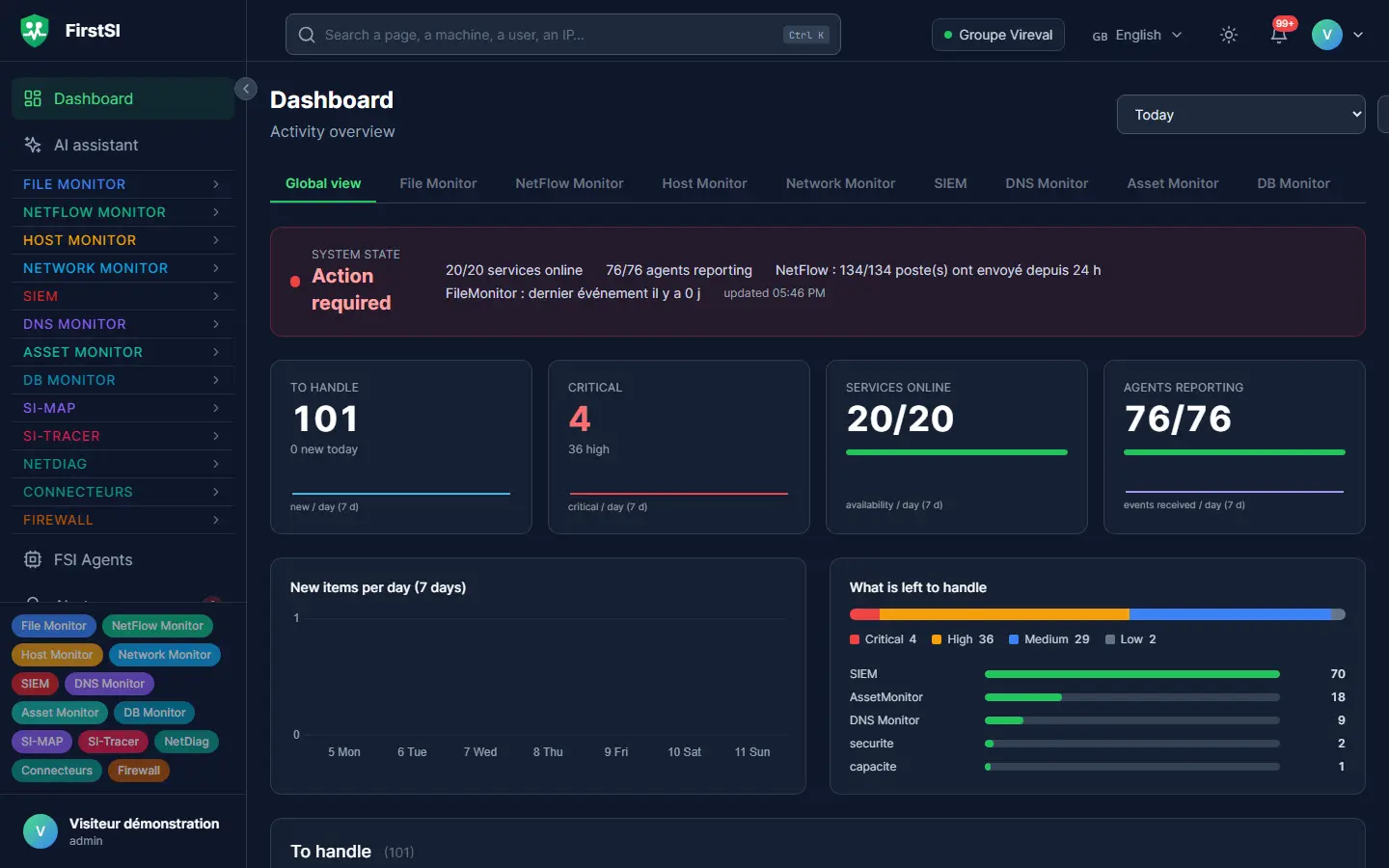
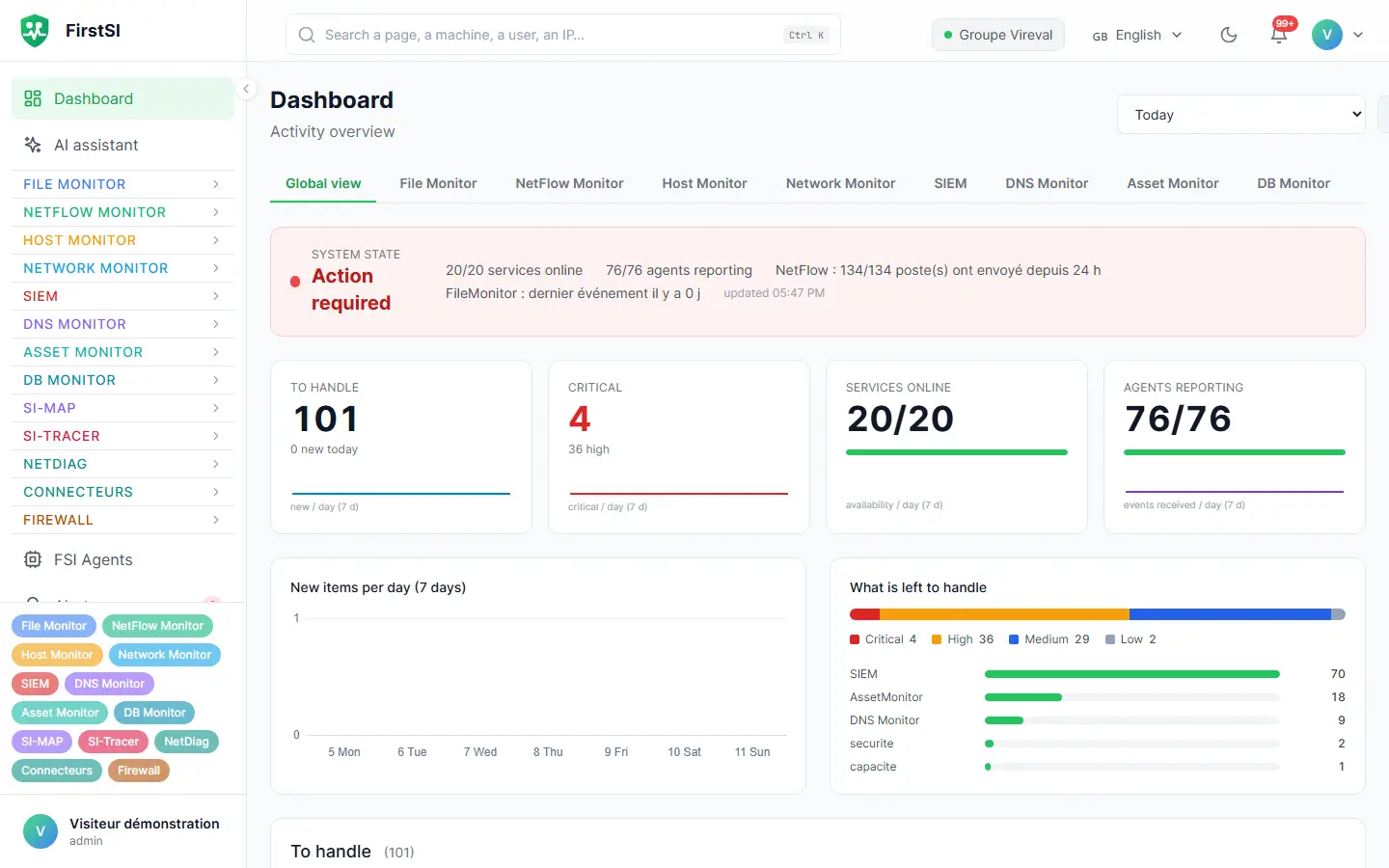
A Monday, 8:40 am
Three calls, one cause
The phone rings three times in ten minutes. The accounts team finds the ERP slow, a sales rep can no longer see his shared files, and the branch is complaining about the Internet. Without an overall view, that means three tickets and a morning slipping away.
In FirstSI, the home page already shows the common thread: the head office Internet link has been dropping packets since 7:50 am, the tunnel to the branch is suffering for it, and both applications run through that tunnel. The assistant confirms it in a single question, with a PDF report to back it up, while you call the carrier.
By 9:15 am the link is back. All three tickets are closed with the same explanation, and you have what you need to hold the carrier to account.
you three complaints this morning: slow ERP, shares, Internet at the branch. Is there a link?
INTERNET head office link: 2.1% packet loss since 7:50 am
TUNNEL branch ↔ head office degraded, same time
SERVERS ERP and file server, no anomalies
assistant a single cause: the carrier's link. The report is ready.
How it works
You install the agent
One installer on the servers and computers you care about. On each site, the same agent relays data from the firewalls, routers and Wi-Fi.
FirstSI observes and cross-checks
Each module collects locally whatever it can observe, then everything goes up to the console. Correlation rules link events from one module to another.
You are alerted, with the context
Alerts in the console, by email or by webhook, with the machine, the account and the history. Maintenance windows keep false alarms out of your Sundays.
Frequently asked questions
How long does it take to get started?
Installing the agent takes a few minutes per machine and the first data arrives straight away. Allow half a day for an initial set of servers, then a few days to tune the thresholds to your liking.
Do I have to switch on all twelve modules?
No. Each module is activated separately. Many customers start with files and the directory, then add the network or databases when the need arises.
Does FirstSI replace my current monitoring?
It can, though nothing obliges you to. An API and an MCP server let your existing tools, such as a ticketing tool or general monitoring, read what FirstSI knows.
Where is the data hosted?
On your premises, or with the hosting provider you choose. Nothing passes through FirstSI's servers, and the AI assistant uses a model installed within your infrastructure.
Can I try it before talking to anyone?
Yes. The online demo is open with no sign-up: 138 fictional machines, all twelve modules and correlated incidents.
More questions about installation, hosting, GDPR or integrations? All frequently asked questions
Take it further
The same data serves more than one purpose. These pages show it from other angles.
Multi-site network monitoring
SD-WAN, tunnels, Wi-Fi, carrier links.
Learn more SIEMSIEM and incident detection
Correlated incidents, with their timeline.
Learn more AI assistantAI assistant and ticket pre-diagnostics
AI on your premises, tickets already checked.
Learn moreIn the documentation
See your whole IT estate at a glance
A 30-minute guided demonstration on a complete fictional estate, or the open-access demo if you would rather explore on your own.